Read what your team asked AI, and what came back
AI output monitoring for teams: a live log of every finished task. Open any one to read the request, the answer and the code that was written.
Works with Claude Code, Claude, ChatGPT, Cursor, VS Code, Codex, Gemini CLI and any app that supports MCP.
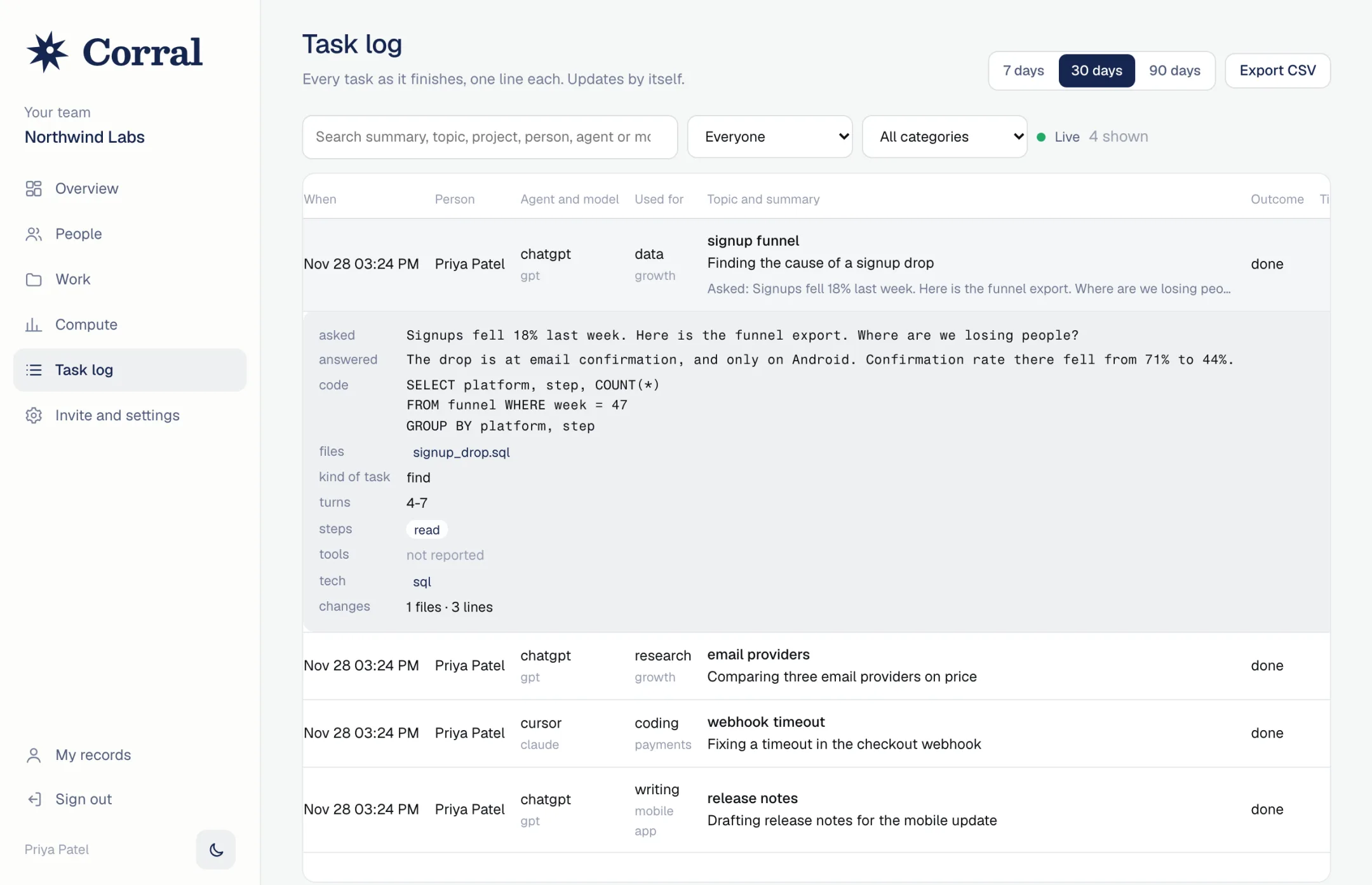
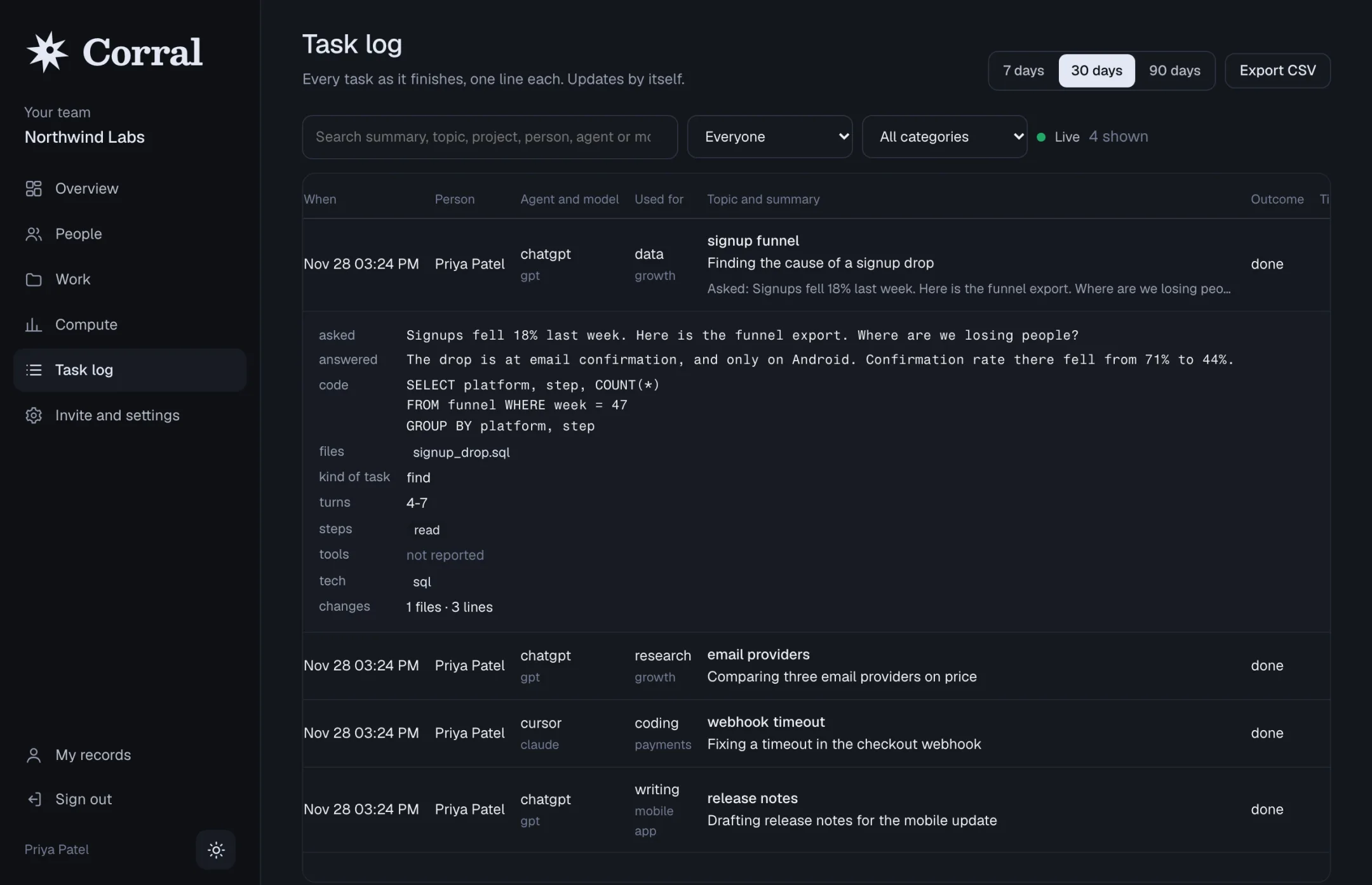
Find any task in seconds.
Search by summary, topic, project, person, agent or model. Filter by person or by category. Every row shows the agent, the model, the outcome, the time it took, tokens and cost, and the whole log exports to CSV.
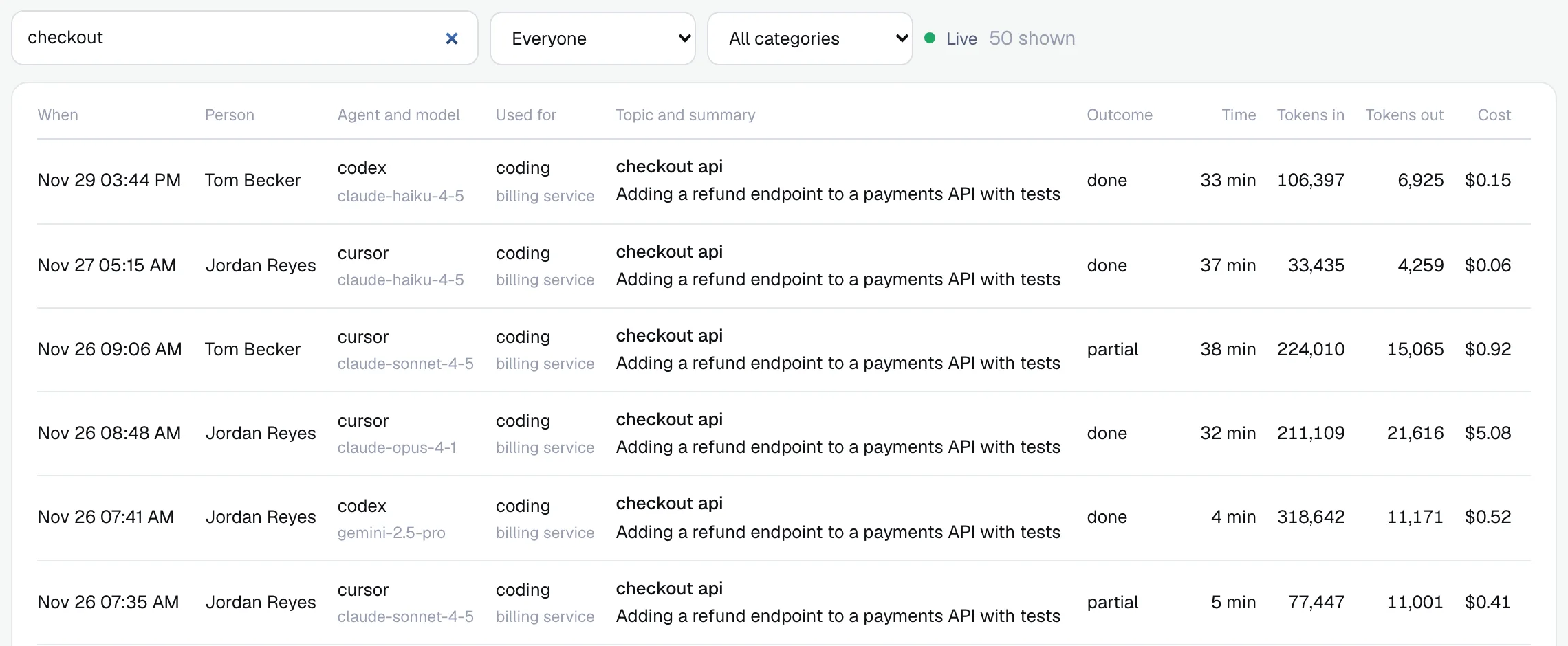
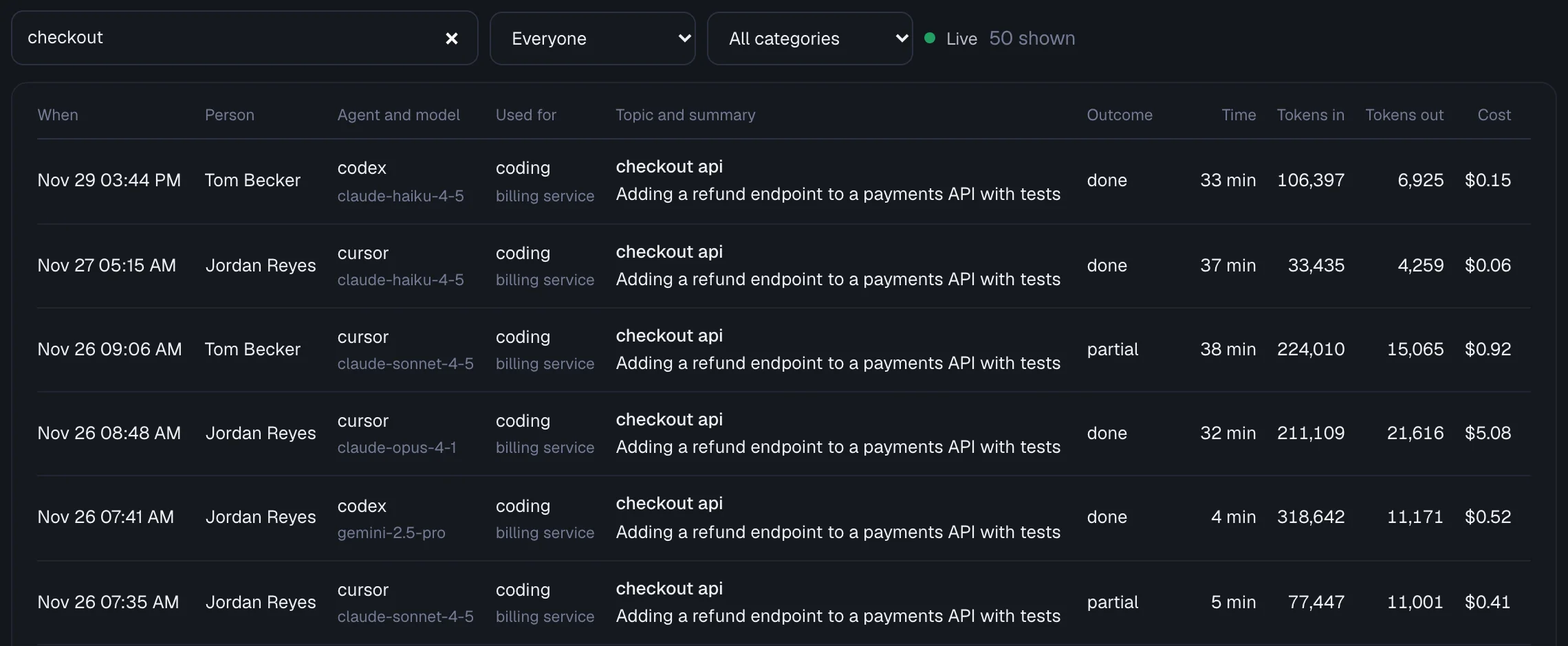
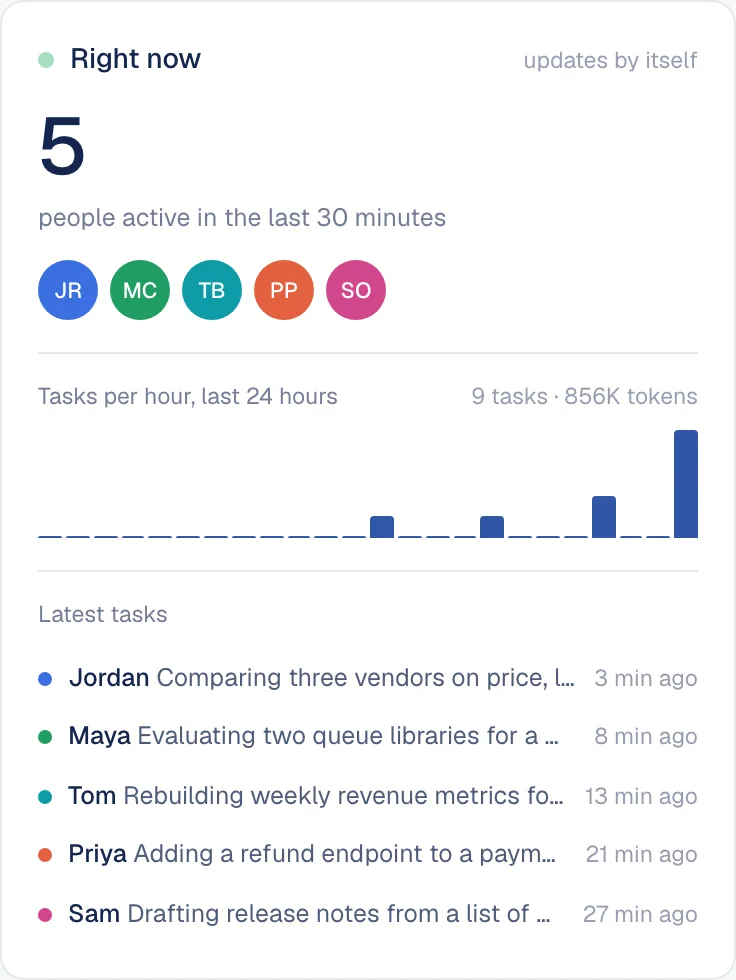
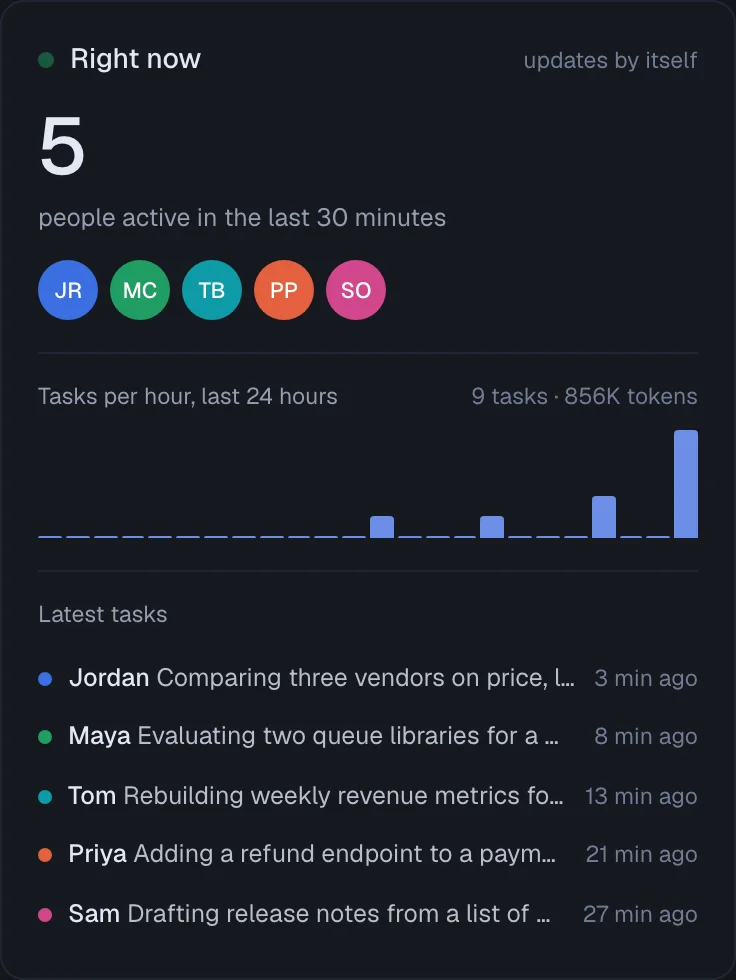
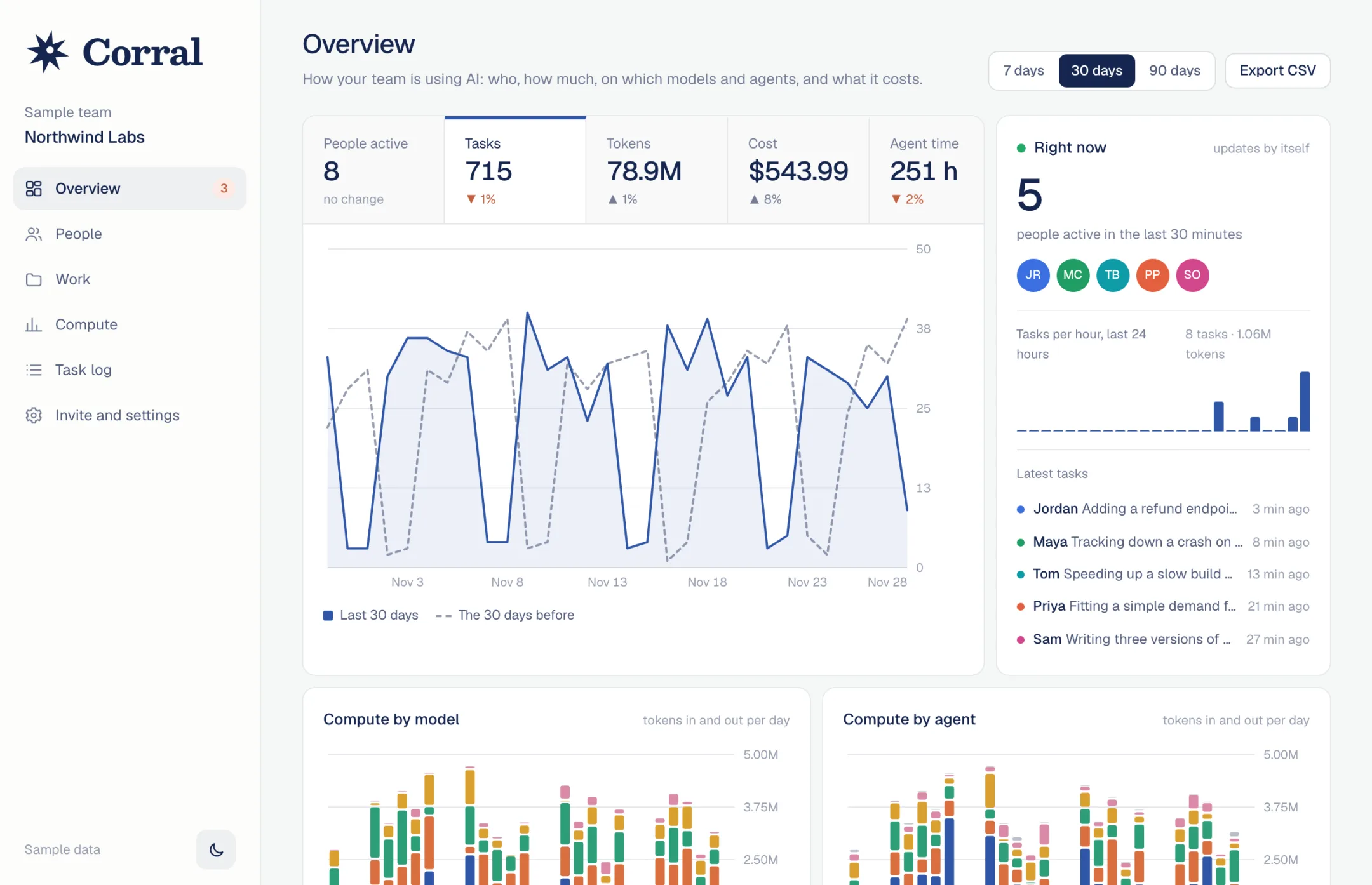
Watch the work come in.
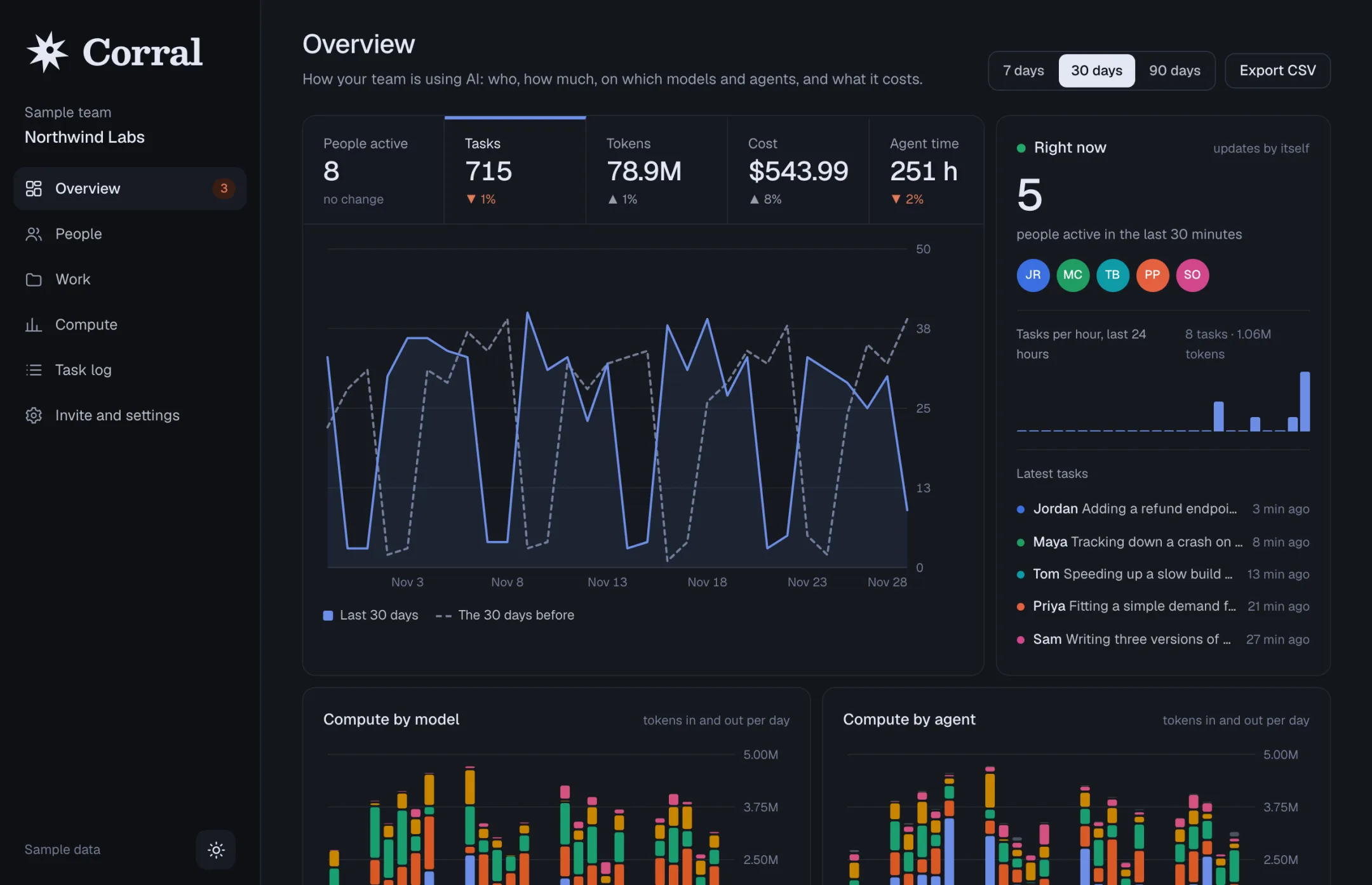
The Overview shows who was active in the last 30 minutes, tasks per hour over the last day, and the latest tasks as they finish. There is nothing to refresh.
- Tasks appear when they finish. Corral does not stream a task while it is still running.
- Click any task to open the full record.
Fair to the people in it.
What one task shows.
Click any row in the log and the full record opens.
| Field | What it holds |
|---|---|
| Asked | The person's request. |
| Answered | What the agent came back with. |
| Code | The code it changed. |
| Files | The paths of the files it touched, with files and lines changed. |
| How it was done | The kind of task, the number of turns, the steps the agent took, and the tools and tech involved. |
| How much | The agent and model, the time it took, tokens in and out, and cost at list price. |
Good to know.
Last updated
How can I see what my team is asking AI?
Each teammate adds the Corral MCP server to their AI app and joins the team. Every finished task then appears in the task log with the request, the answer and the code. It works with Claude Code, Claude, ChatGPT, Cursor, VS Code with GitHub Copilot, Codex and Gemini CLI, plus any other app that connects to a remote MCP server.
Is it real time?
Tasks appear as they finish, and the page updates by itself. Corral does not stream a task while it is still running.
Is this a full transcript of every chat?
No. It is one record per finished task: the request, the answer, the code changed and the file paths, as passed by the agent.
Can it catch a key or password pasted into a prompt?
Keys and passwords found in a record are stripped out on arrival, so they are not stored or shown to the team.
Do people know their work is visible?
Yes. The invite page says what the team will see, each person agrees before anything is recorded, and each person can pause or stop sharing at any time.
How much does it cost?
Free for one person. Pro is $30 a month with 2 people included, then $10 a month for each additional person. See pricing.
See how your team really uses AI.
Free for one person. $30 a month for a team of two, then $10 for each additional person.