One record of everything your team does with AI
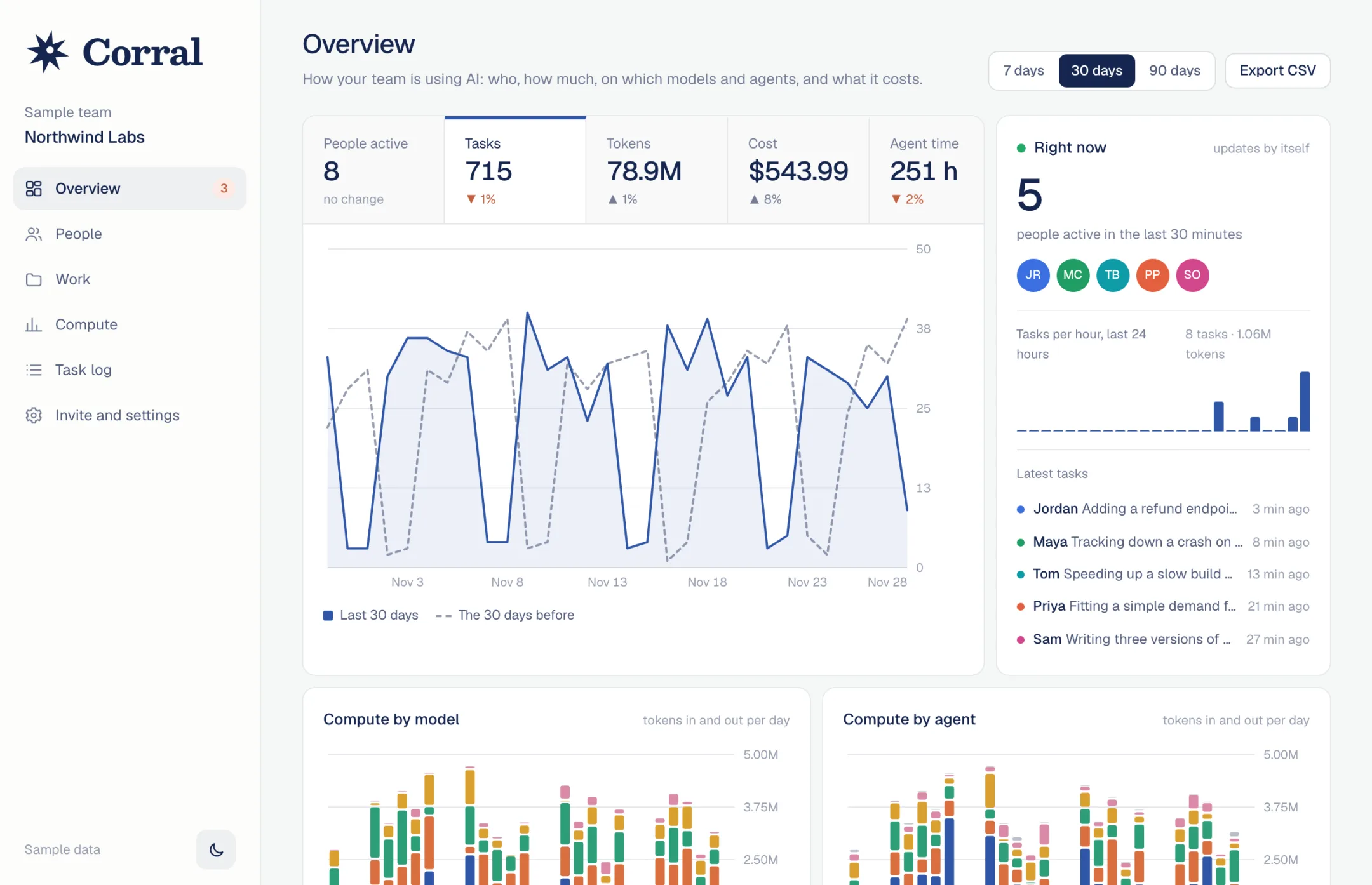
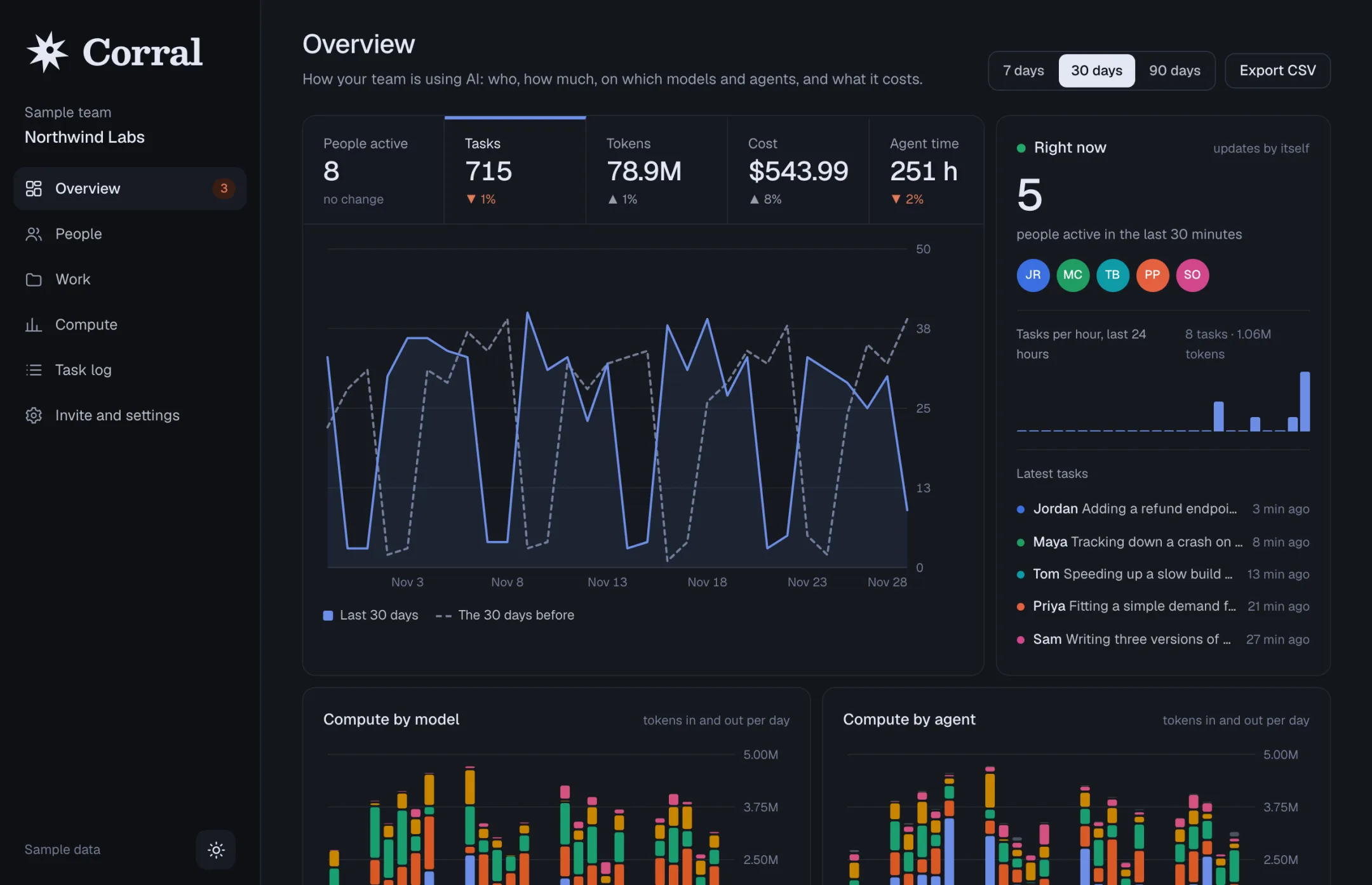
AI work usually stays in one person's chat window. Corral gives the team shared context: every task in one place, by project and topic, where everyone can read it.
Works with Claude Code, Claude, ChatGPT, Cursor, VS Code, Codex, Gemini CLI and any app that supports MCP.
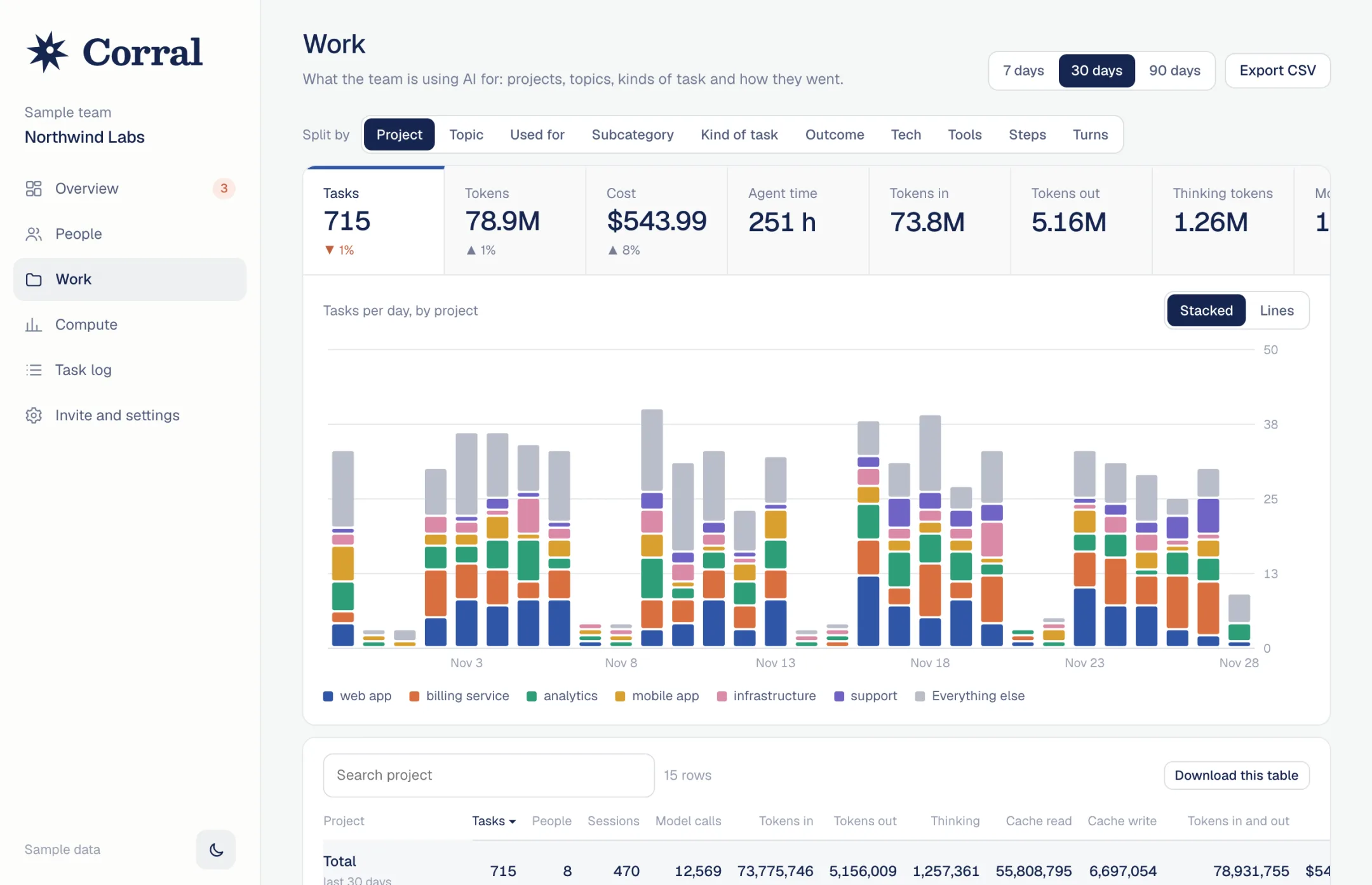
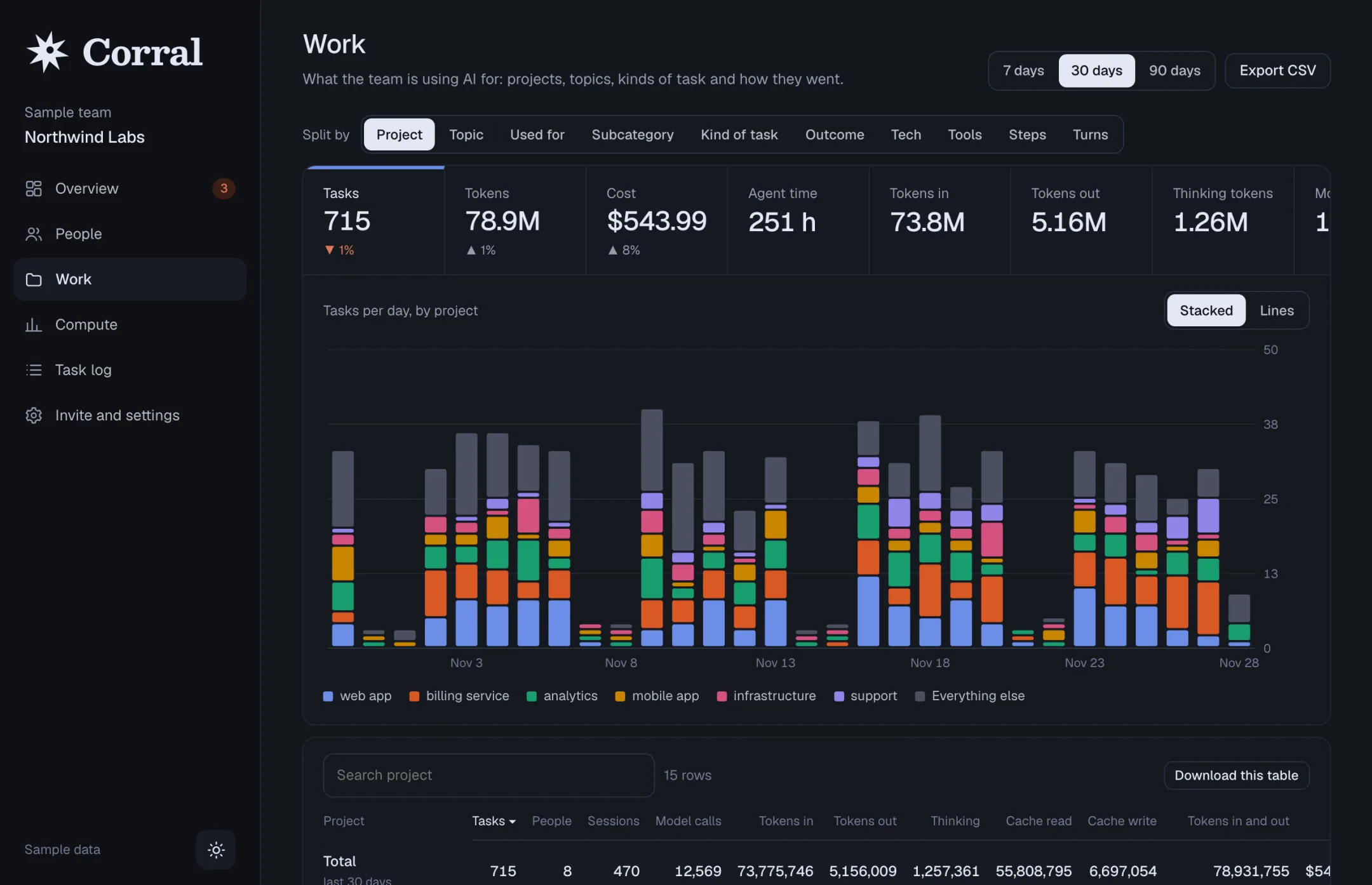
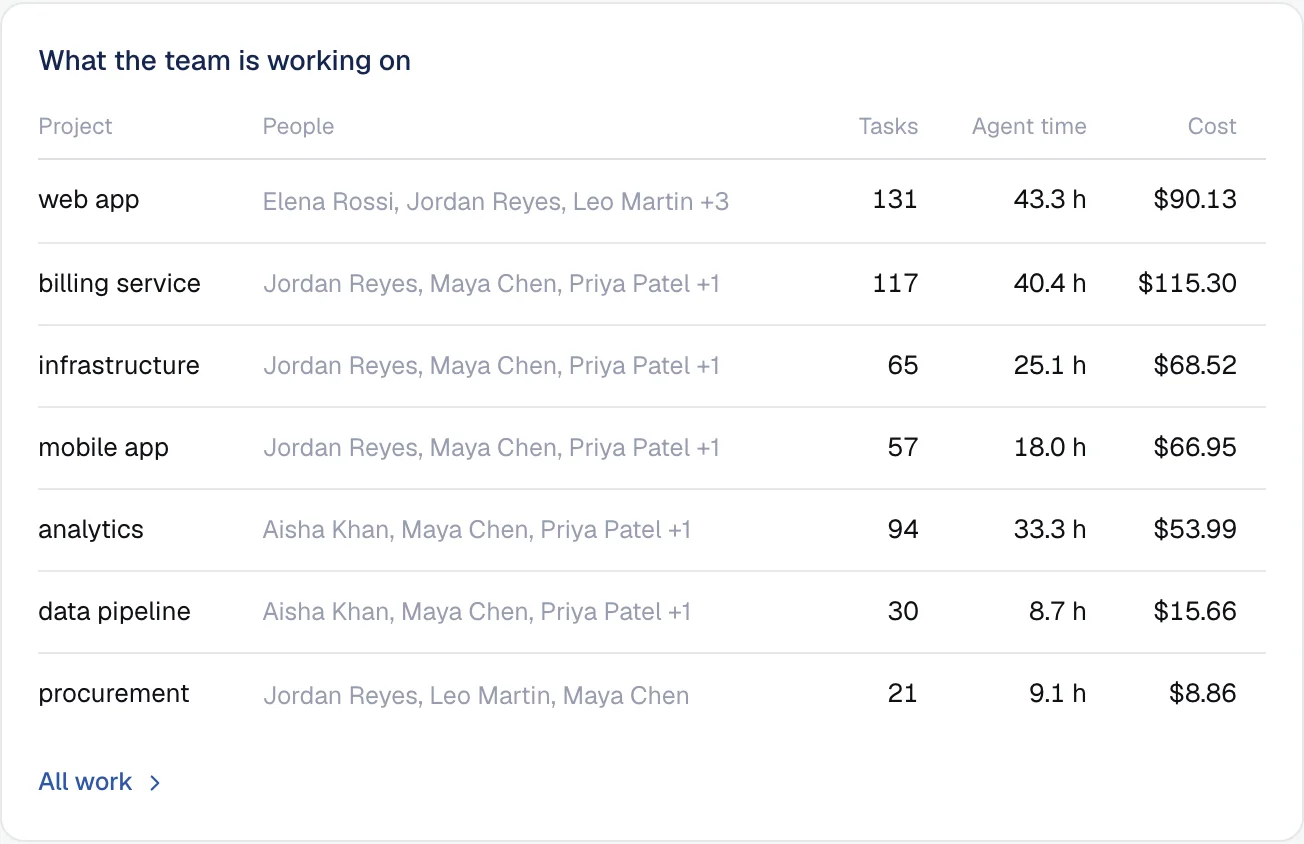
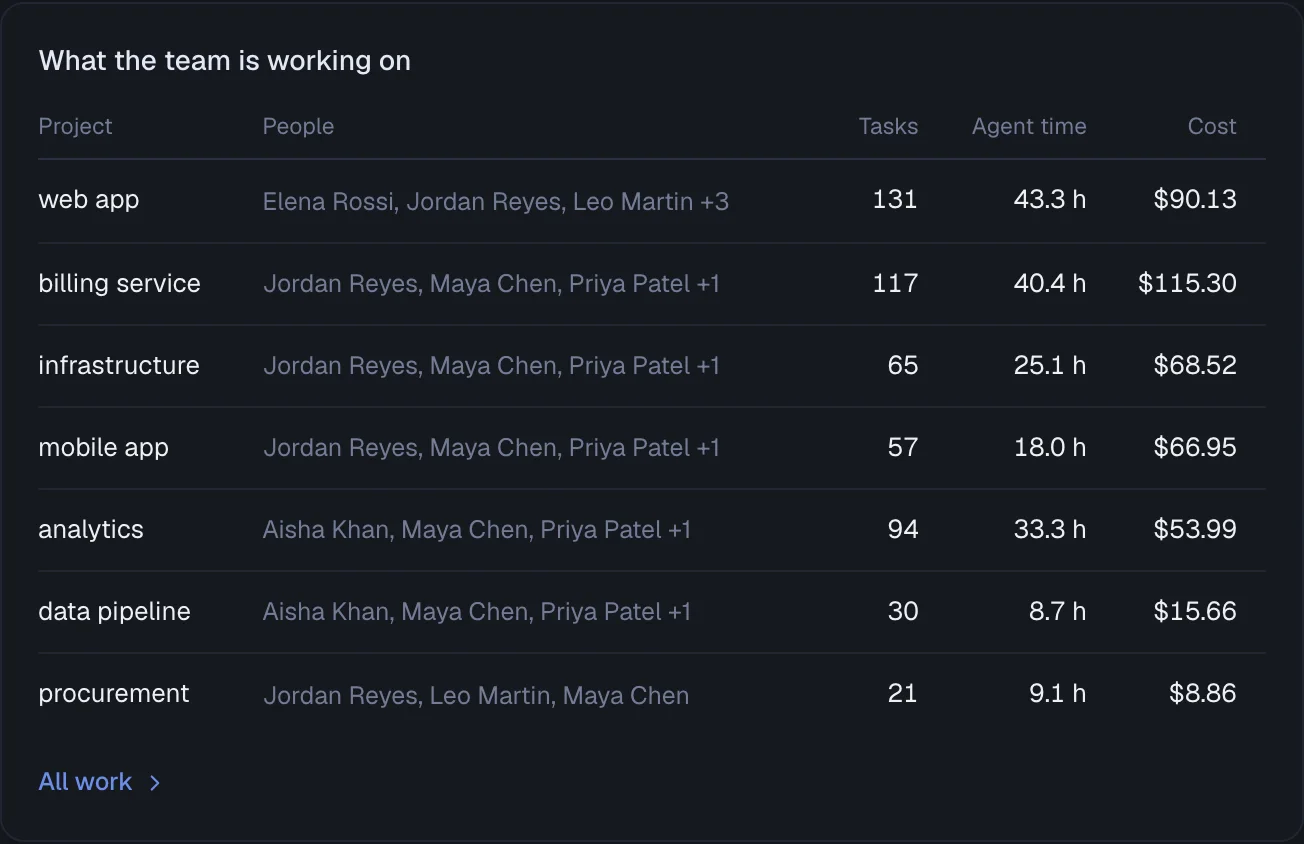
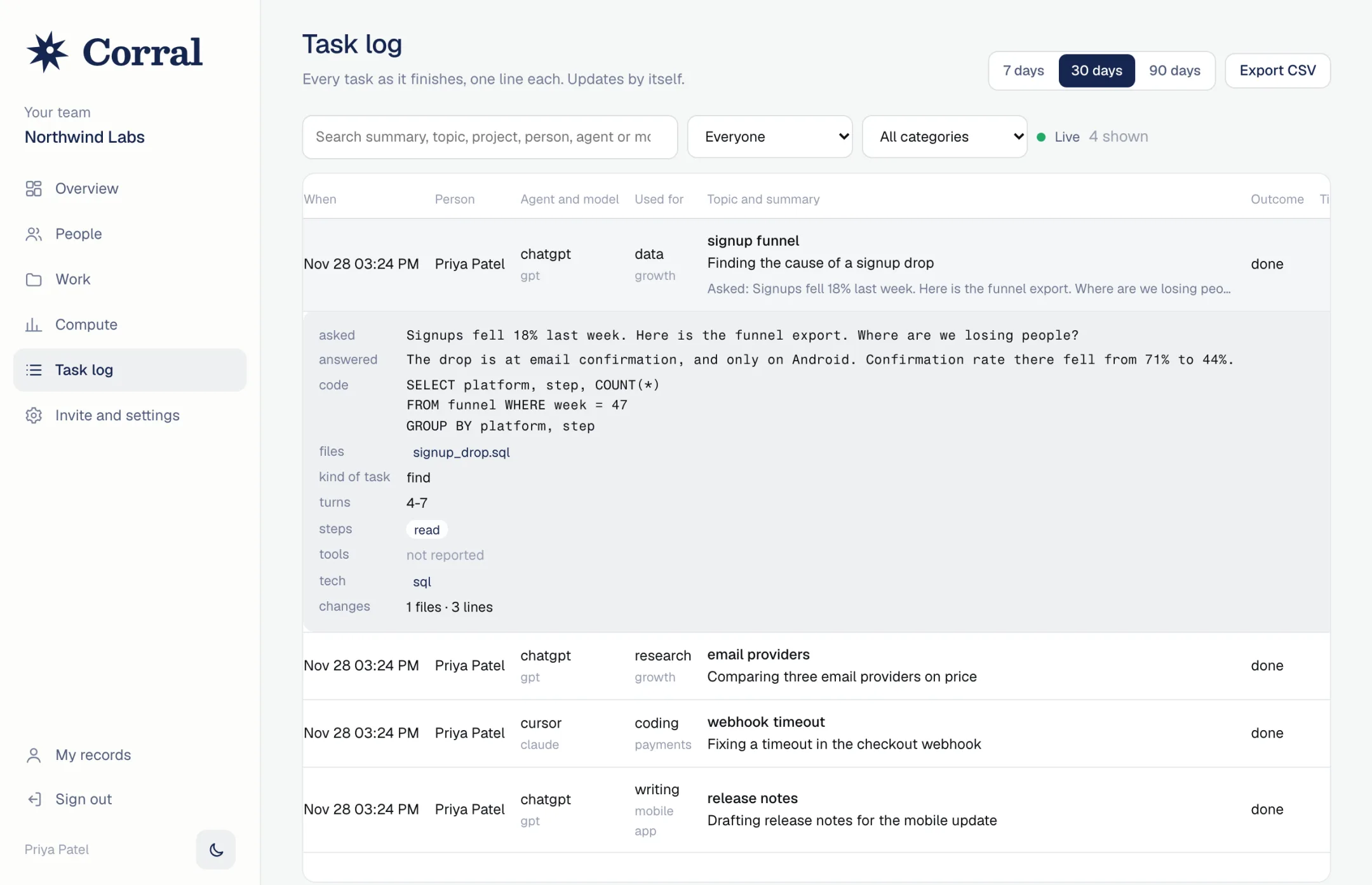
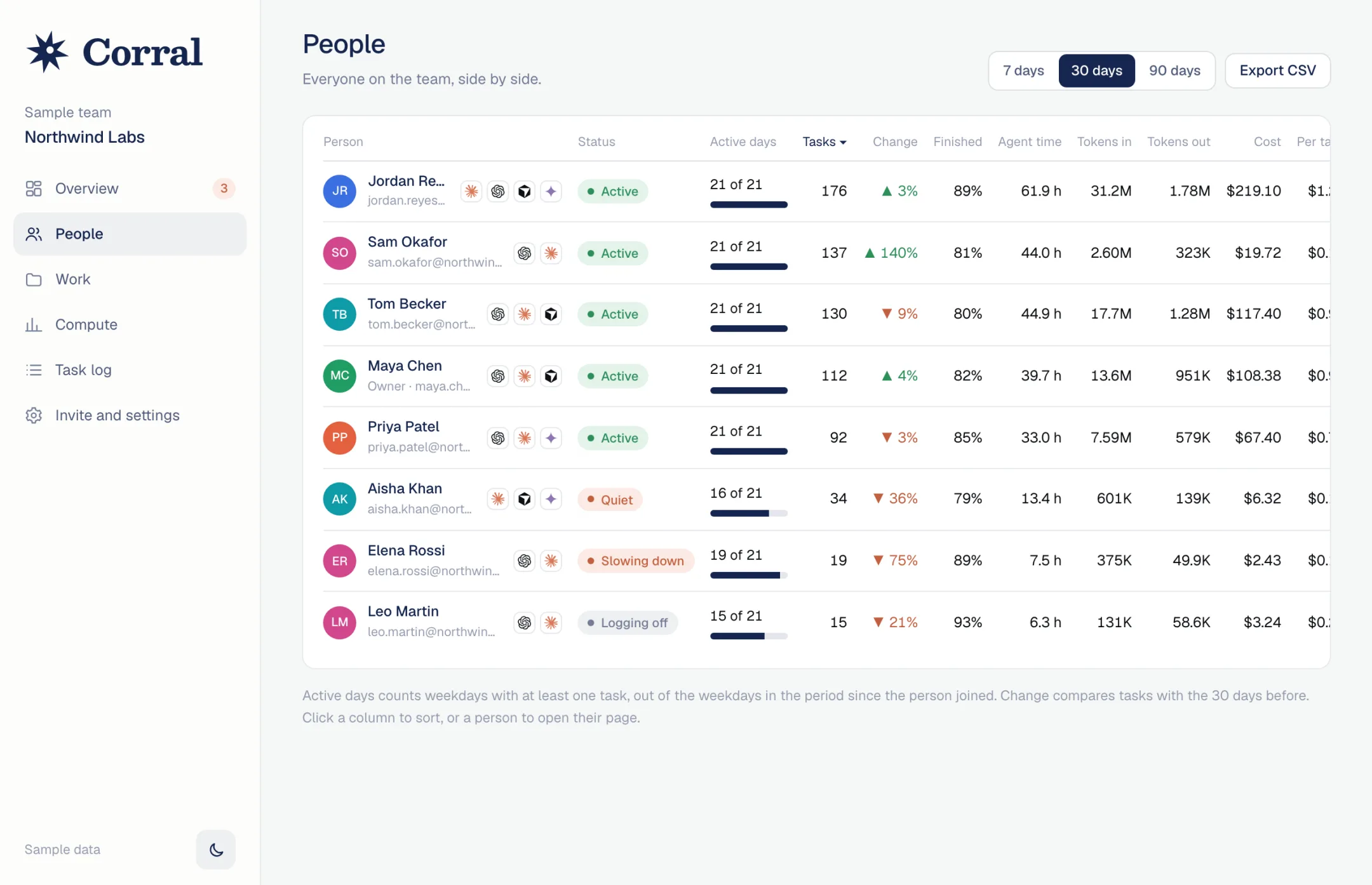
See what the team is using AI for.
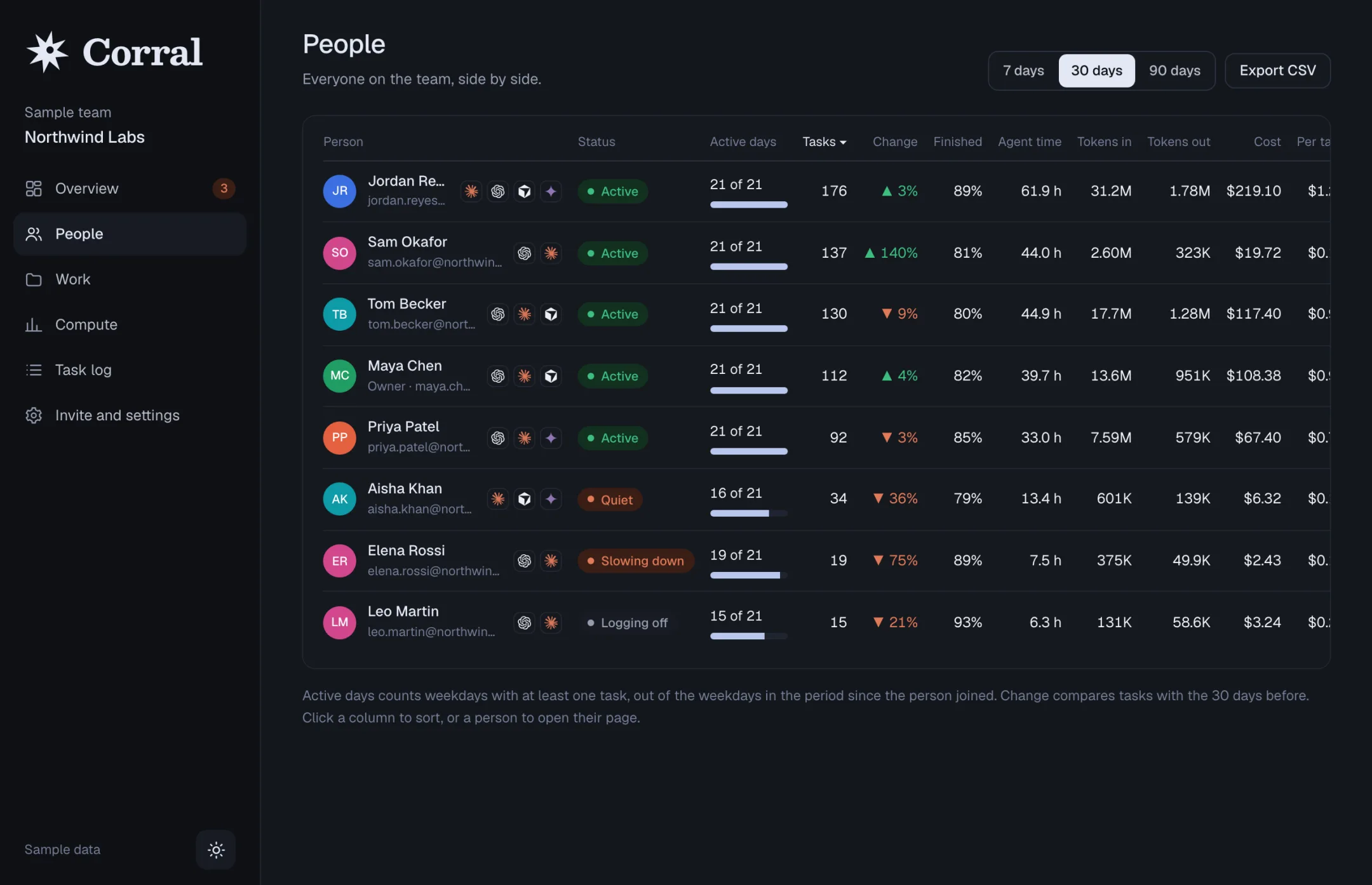
Split the work by project, topic, category, kind of task, outcome, tech, tools, steps or turns. Each split shows tasks, tokens, cost and agent time, day by day. Click any row to open the tasks behind it.
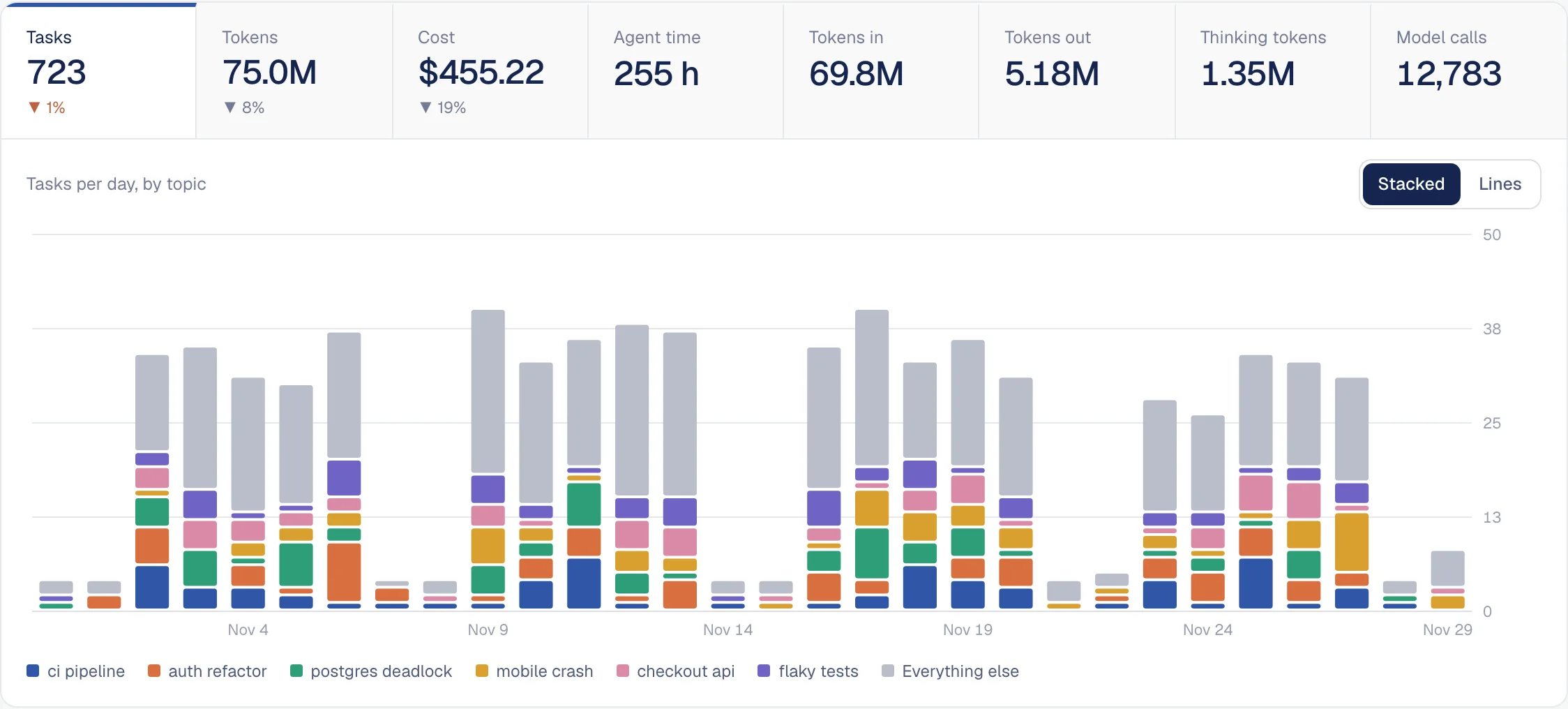
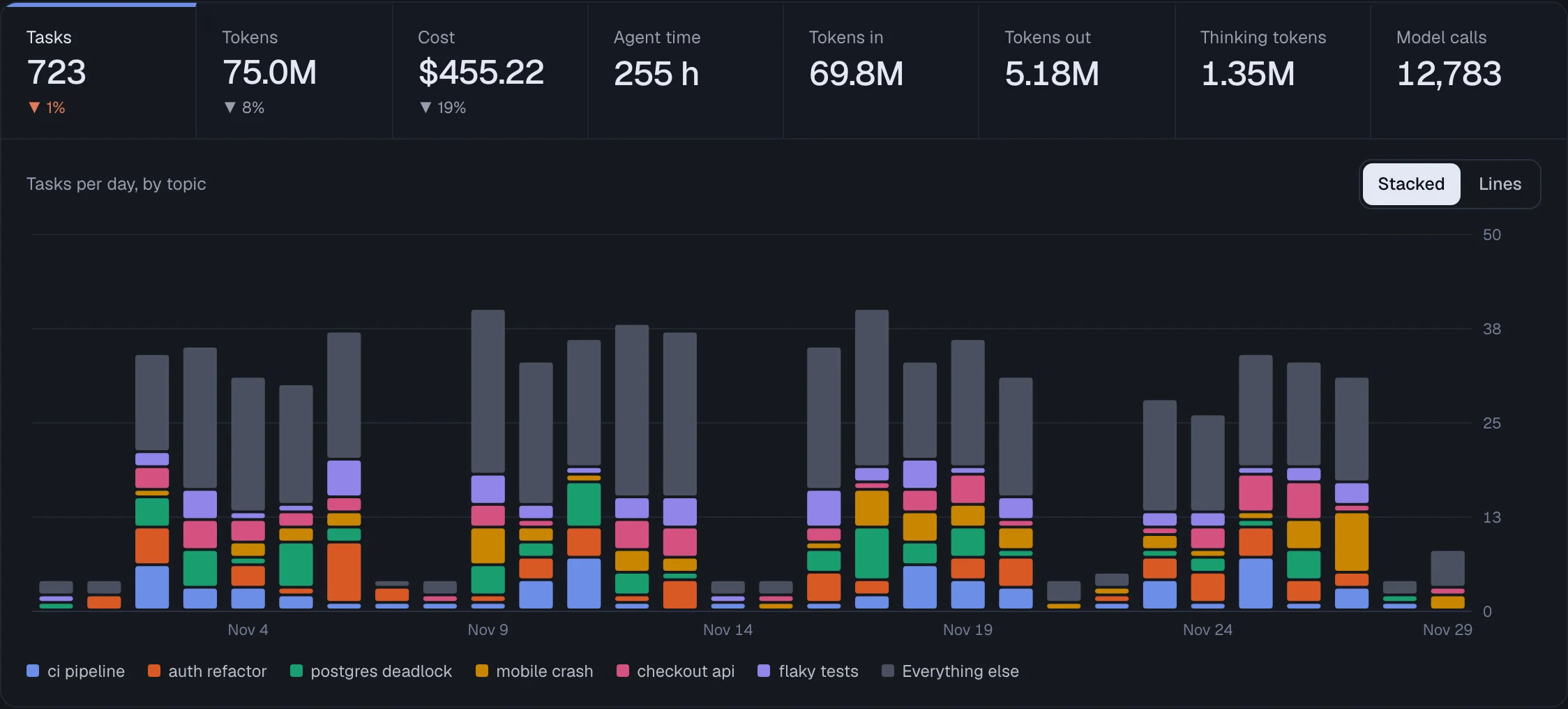
Everyone is on the same page.
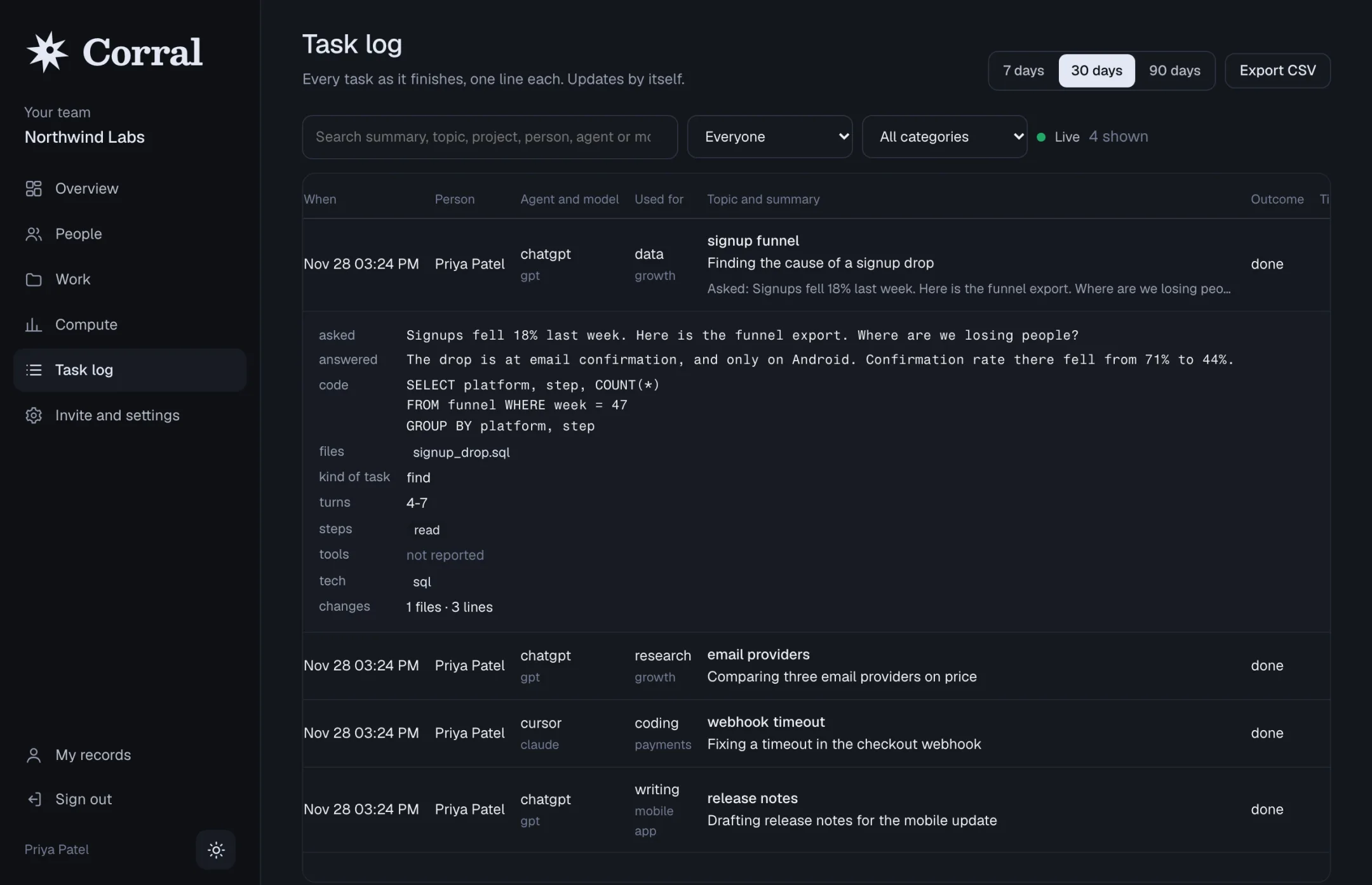
The record is not only for the team lead. Everyone on the team sees every page, including the request, the answer and the code of each task.
- Before you start, search the topic and read how a teammate already solved it.
- When you pick up a project, open it and read the recent tasks in order.
- When something works, the request that produced it is there for the next person to reuse.
Shared with the team, and only the team.
Ten ways to cut the work.
Each split shows tasks, tokens, cost, agent time and model calls.
| Split by | What you learn |
|---|---|
| Project | Where AI time and tokens are going, and how many people are on each project. |
| Topic | The subjects that keep coming up, such as a signup funnel or a slow build. |
| Used for and subcategory | The mix of coding, data, research, writing and other work. |
| Kind of task | Whether people are building, fixing, finding or explaining. |
| Outcome | How often tasks are finished. |
| Tech and tools | The languages, frameworks and tools the work involves. |
| Steps and turns | How the agents got there, and how much back and forth it took. |
Good to know.
Last updated
What does shared context mean in Corral?
It is a shared, searchable record of the AI work a team has done: every finished task with its project, topic, request, answer and code, open to everyone on the team.
Can my AI agent read the team's records?
Not today. The record is for people, on the dashboard. Through the MCP server an agent can read its own user's usage, not teammates' tasks.
Do we need to tag or label anything?
No. The agent sets the project, topic and category when it logs a task.
Which AI apps feed the record?
Claude Code, Claude, ChatGPT, Cursor, VS Code with GitHub Copilot, Codex and Gemini CLI, plus any other app that connects to a remote MCP server.
Can we get the data out?
Yes. Every page exports to CSV and every table can be downloaded as it is split and sorted.
How much does it cost?
Free for one person. Pro is $30 a month with 2 people included, then $10 a month for each additional person. See pricing.
See how your team really uses AI.
Free for one person. $30 a month for a team of two, then $10 for each additional person.