AI usage reports for your whole team
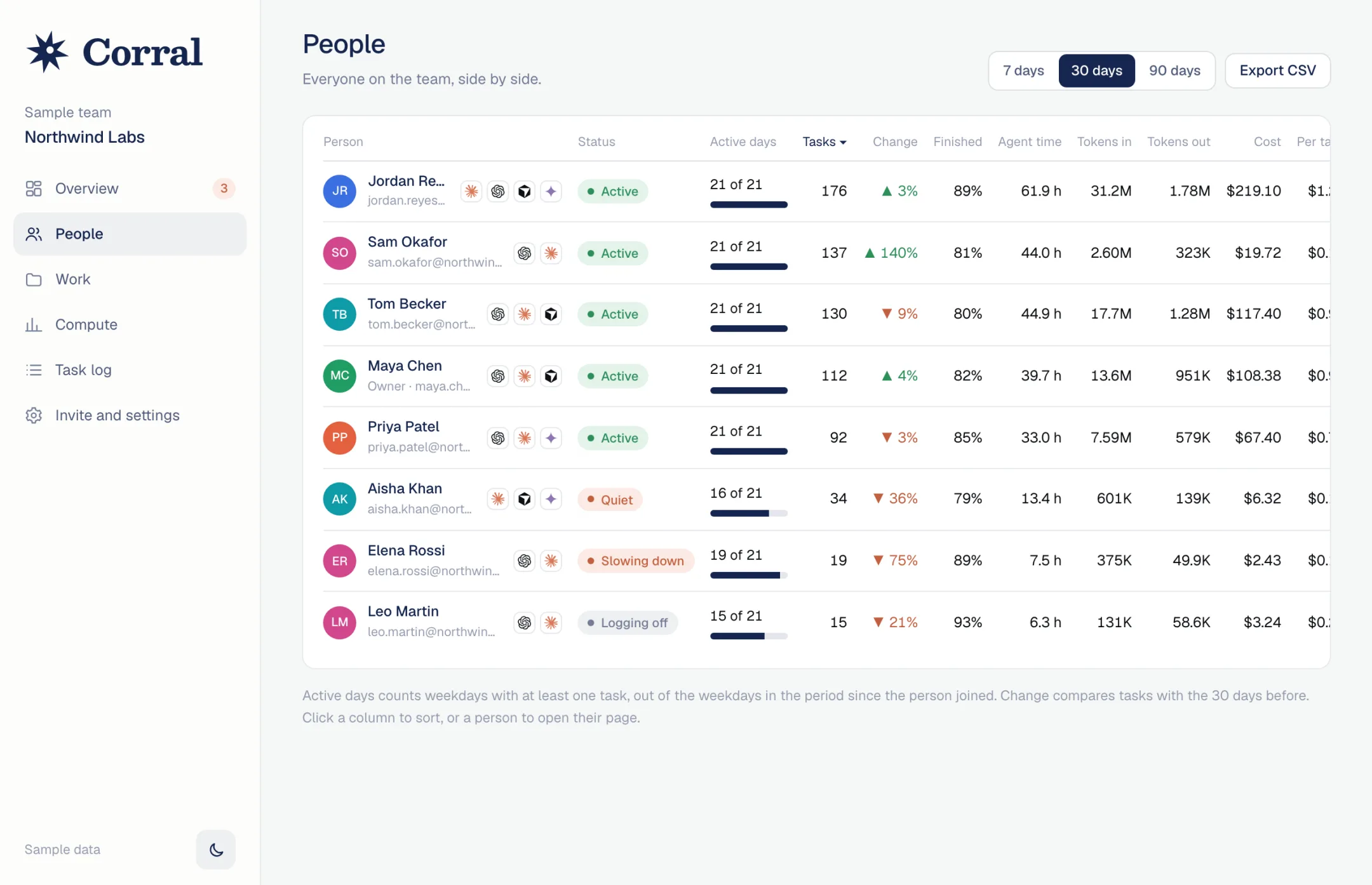
Who is using AI, on which models and agents, how many tokens, and what it costs. One report across every AI app the team already uses.
Works with Claude Code, Claude, ChatGPT, Cursor, VS Code, Codex, Gemini CLI and any app that supports MCP.
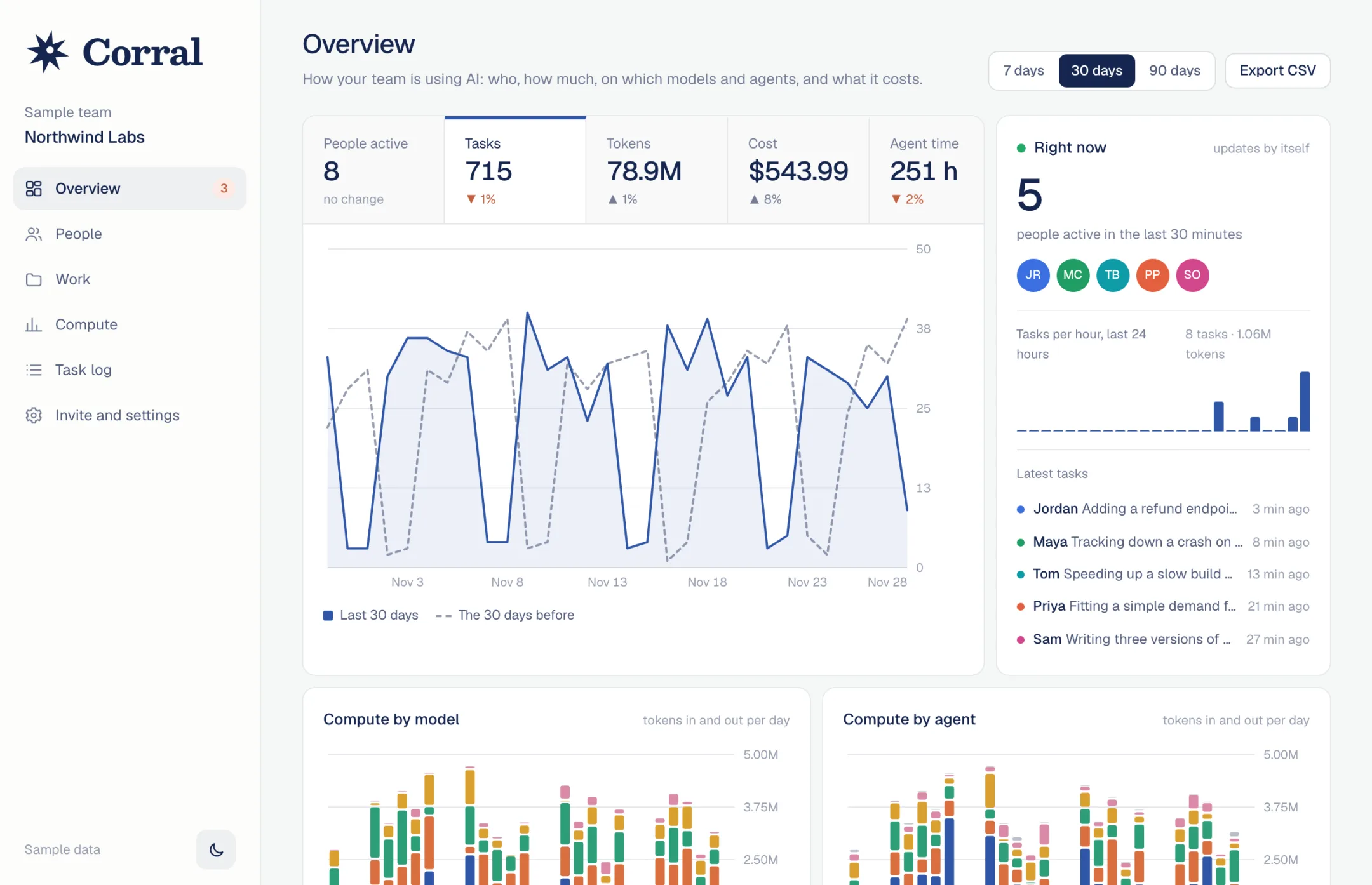
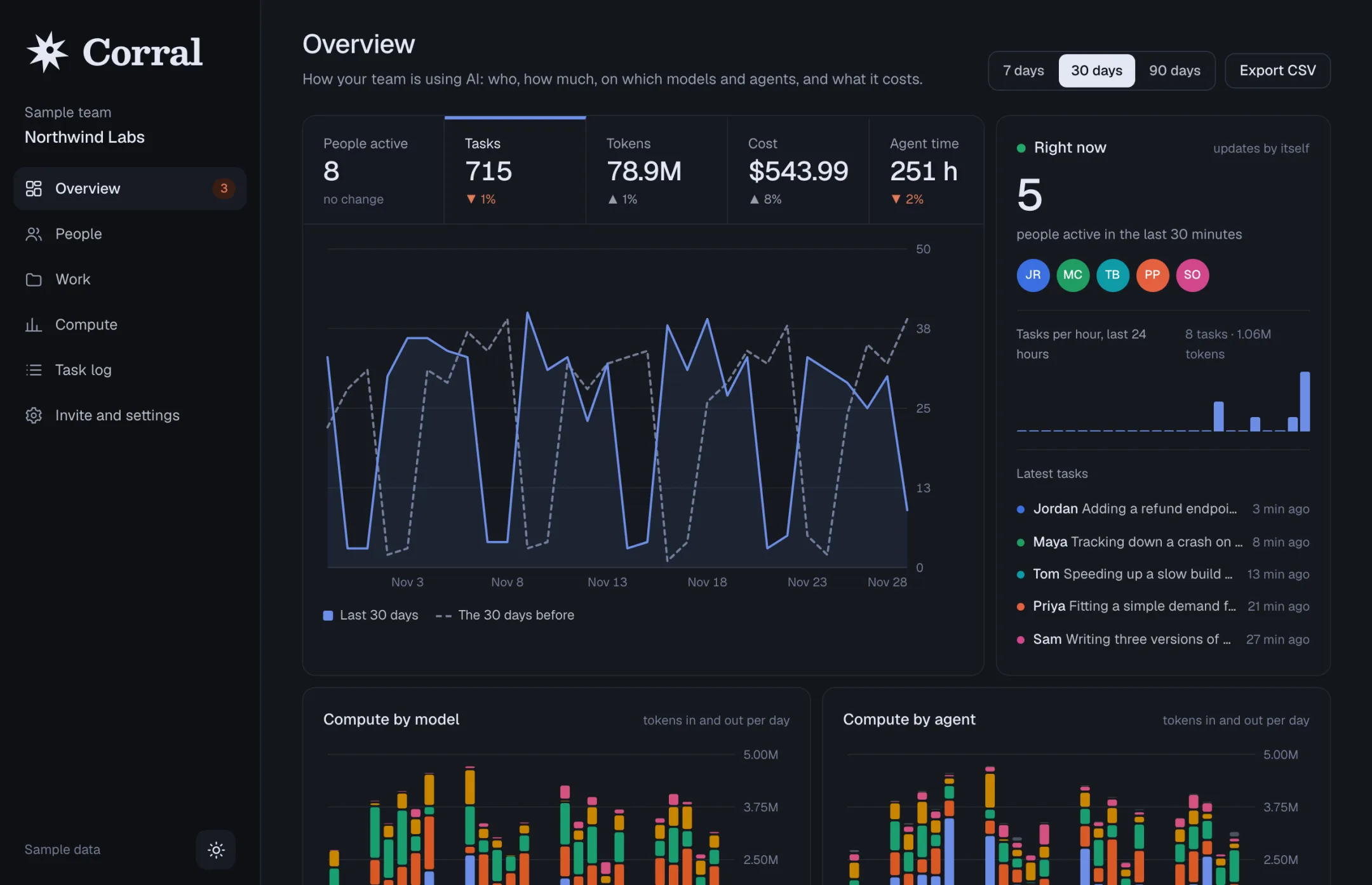
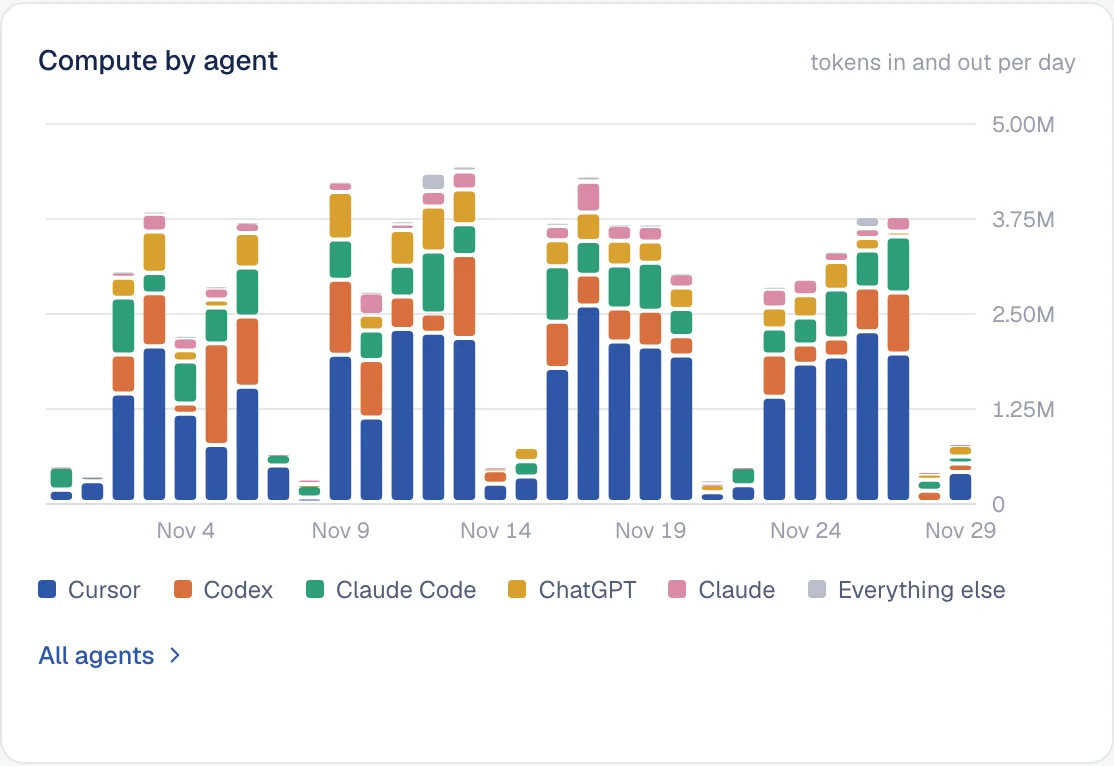
Every token, by model, agent and person.
The Compute page breaks usage down day by day. Split it by model, provider, agent, agent version, connection or person, and switch between tokens, cost, model calls, agent time and tasks. Click any row to open the tasks behind it.
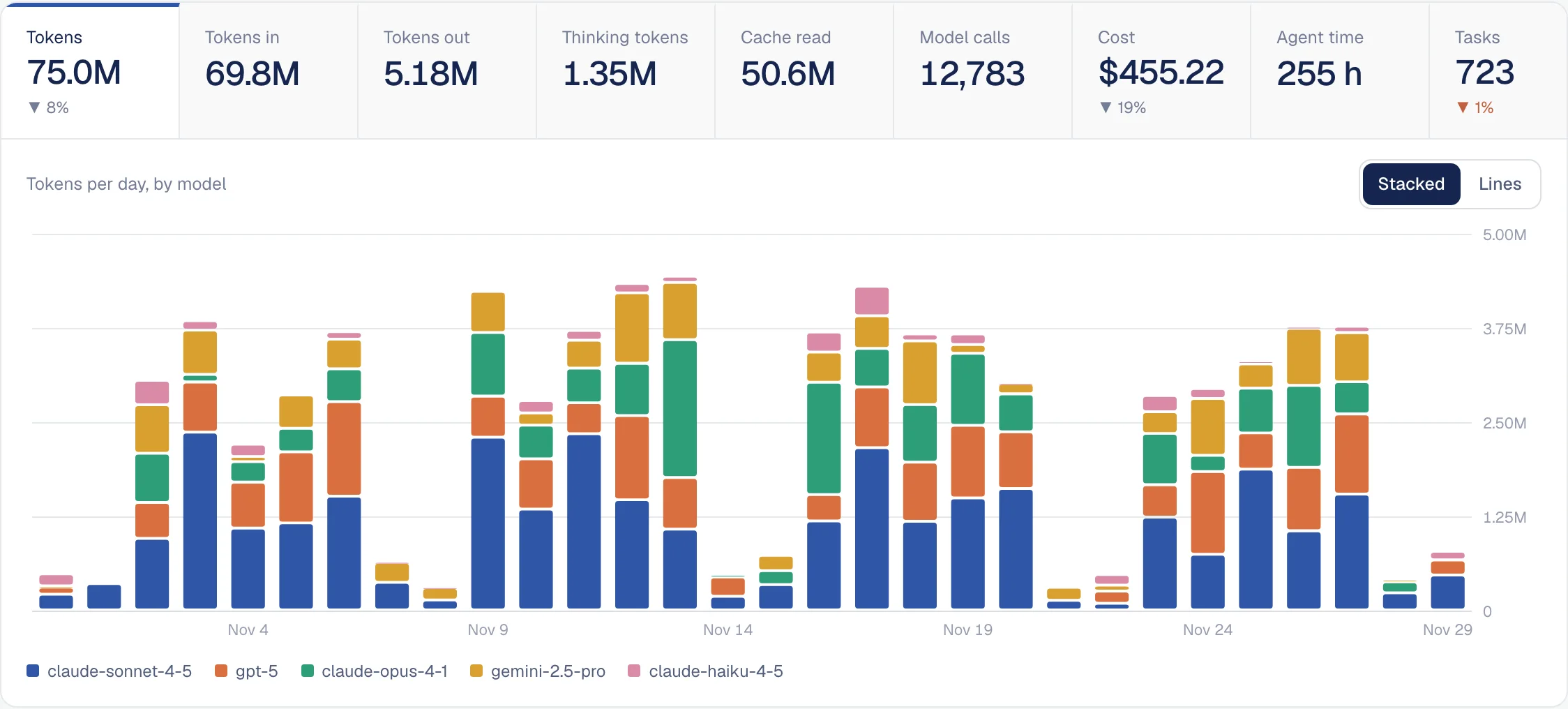
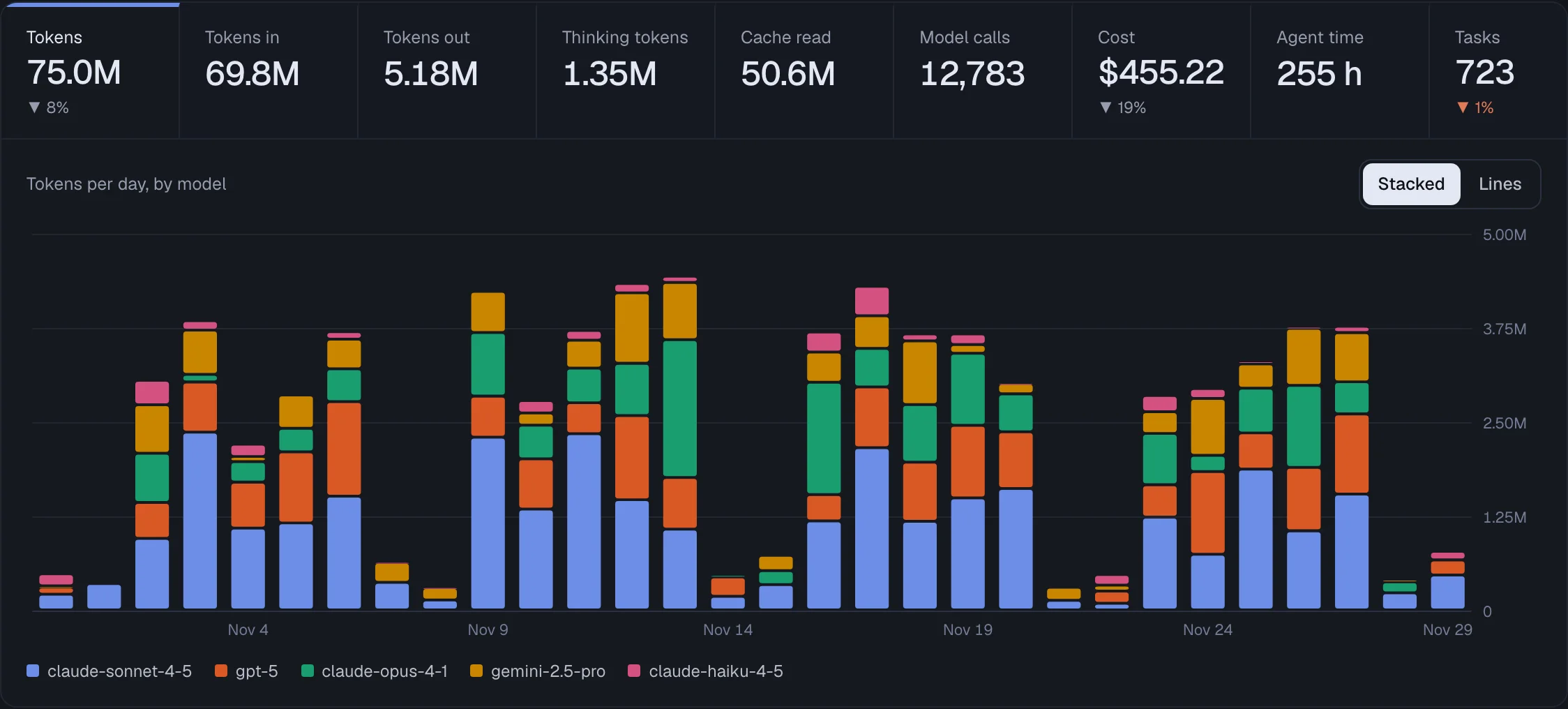
Claude Code next to Cursor next to ChatGPT.
Most teams use more than one AI app, and each one reports usage in its own place, if it reports it at all. Corral puts them on one chart.
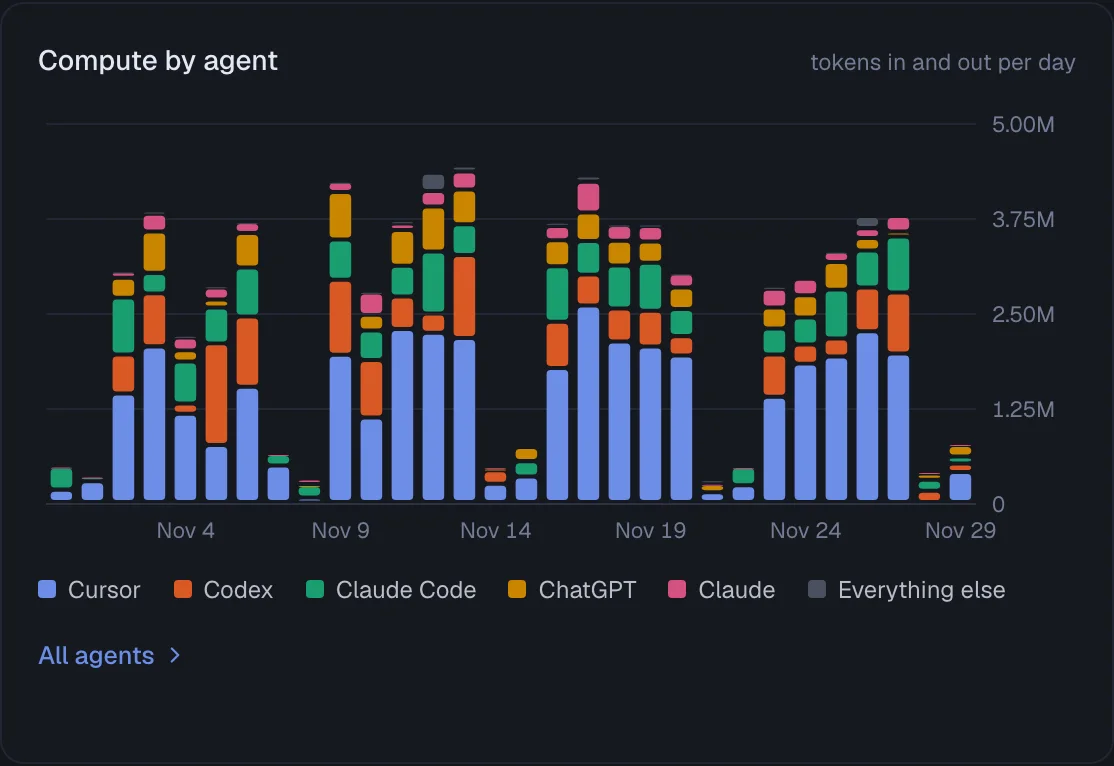
- Tokens in and out per day, by agent and by model.
- Thinking tokens, cache reads and model calls broken out.
- The share of tokens counted by the app itself, and the share that is an estimate.
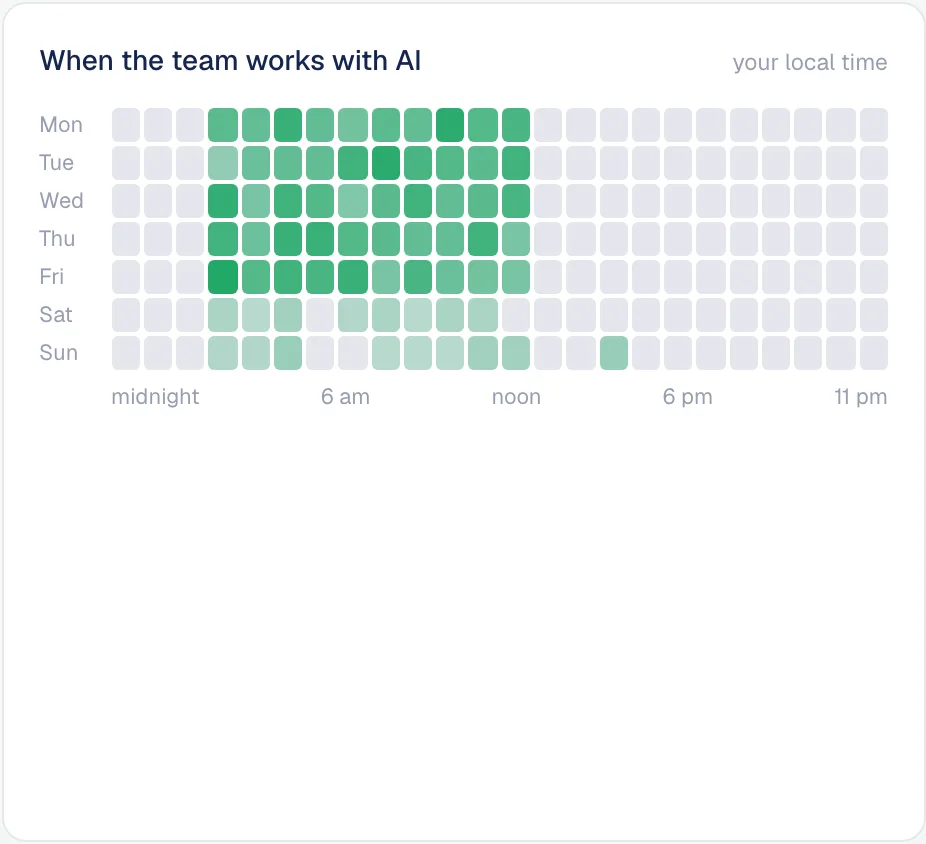
See when the team works with AI.
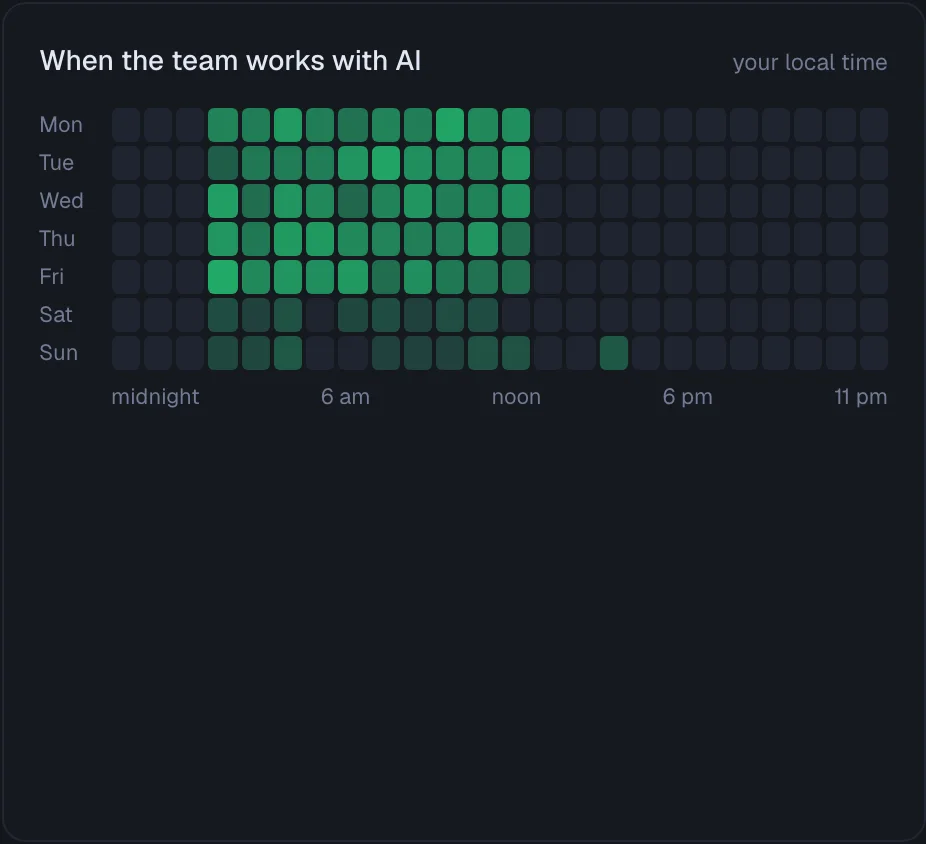
A week grid shows the hours AI gets used. Every figure on the report compares with the period before, over 7, 30 or 90 days, so a change in habits shows up as it happens.
Numbers you can explain.
What the report counts.
Each one shows its change against the period before.
| Figure | What it means |
|---|---|
| People active | How many people on the team finished at least one AI task in the period. |
| Tasks | Finished pieces of AI work, with the share that reached a result. |
| Tokens | Tokens in and out, with thinking tokens, cache reads and model calls broken out. |
| Cost | Tokens at public list prices, with cost per task and what a month costs at the current pace. |
| Agent time | How long the agents spent working. |
Good to know.
Last updated
How do I track AI usage across my team?
Create a team in Corral, send one invite link, and have each person add the Corral MCP server to the AI apps they use. Usage from Claude Code, Claude, ChatGPT, Cursor, VS Code with GitHub Copilot, Codex and Gemini CLI, plus any other app that connects to a remote MCP server lands in one report.
Can I see token usage across Claude, ChatGPT and Cursor in one place?
Yes. Each finished task carries its model, agent and token counts, so the report can add them up across apps and show them side by side.
Does Corral need our API keys or a proxy?
No. Corral is an MCP server the agent calls once when a task finishes. It never sits between your team and the model, and it works with the AI plans you already pay for.
Will the cost match our invoice?
No. Cost is tokens at public list prices, and most teams pay a flat price per seat. Use it to compare people, projects and models.
Who can see the report?
Everyone on the team sees every page. See privacy for the full list of what is collected.
How much does it cost?
Free for one person. Pro is $30 a month with 2 people included, then $10 a month for each additional person. See pricing.
See how your team really uses AI.
Free for one person. $30 a month for a team of two, then $10 for each additional person.