See who uses AI best. Help everyone else get there.
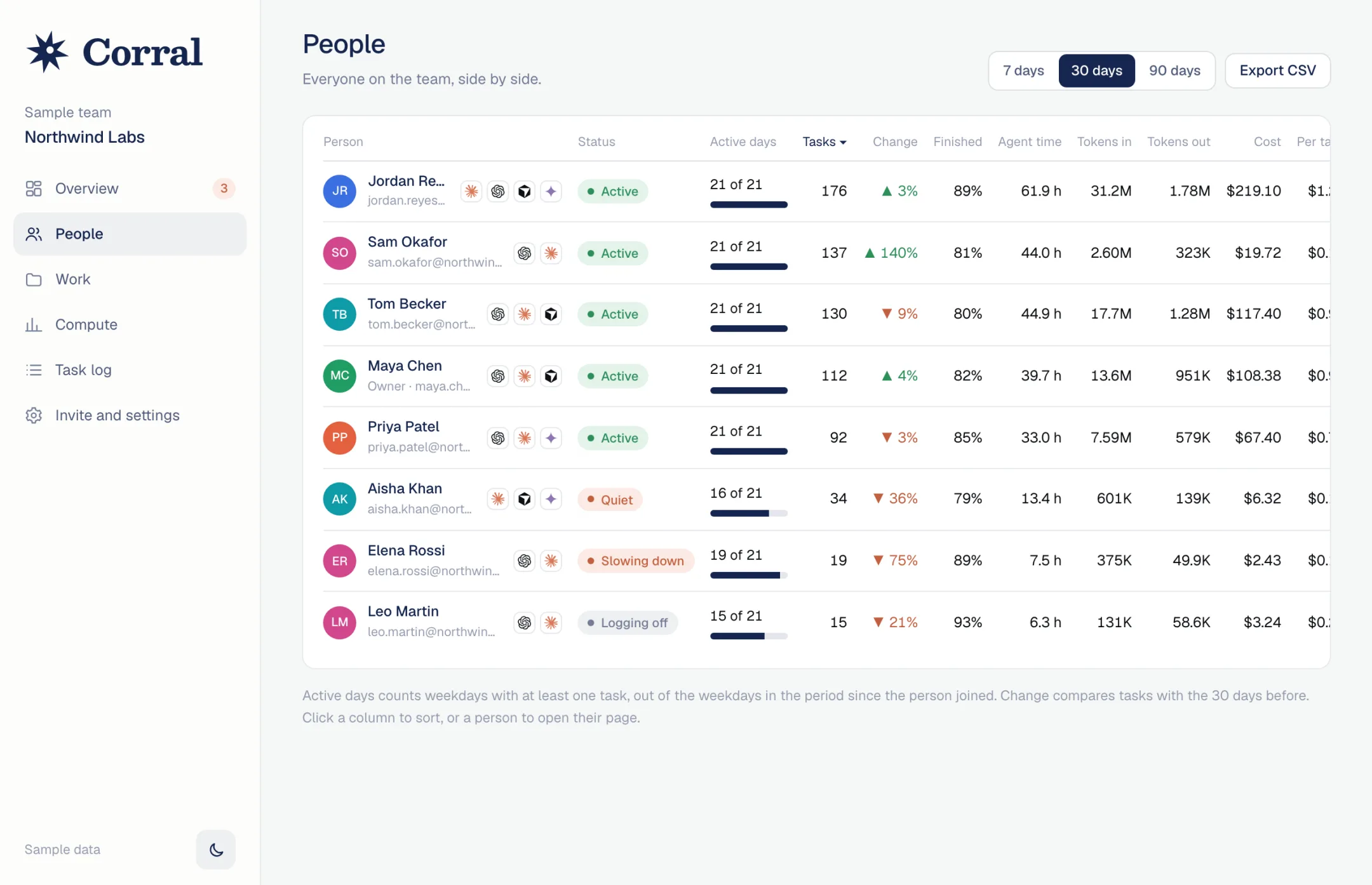
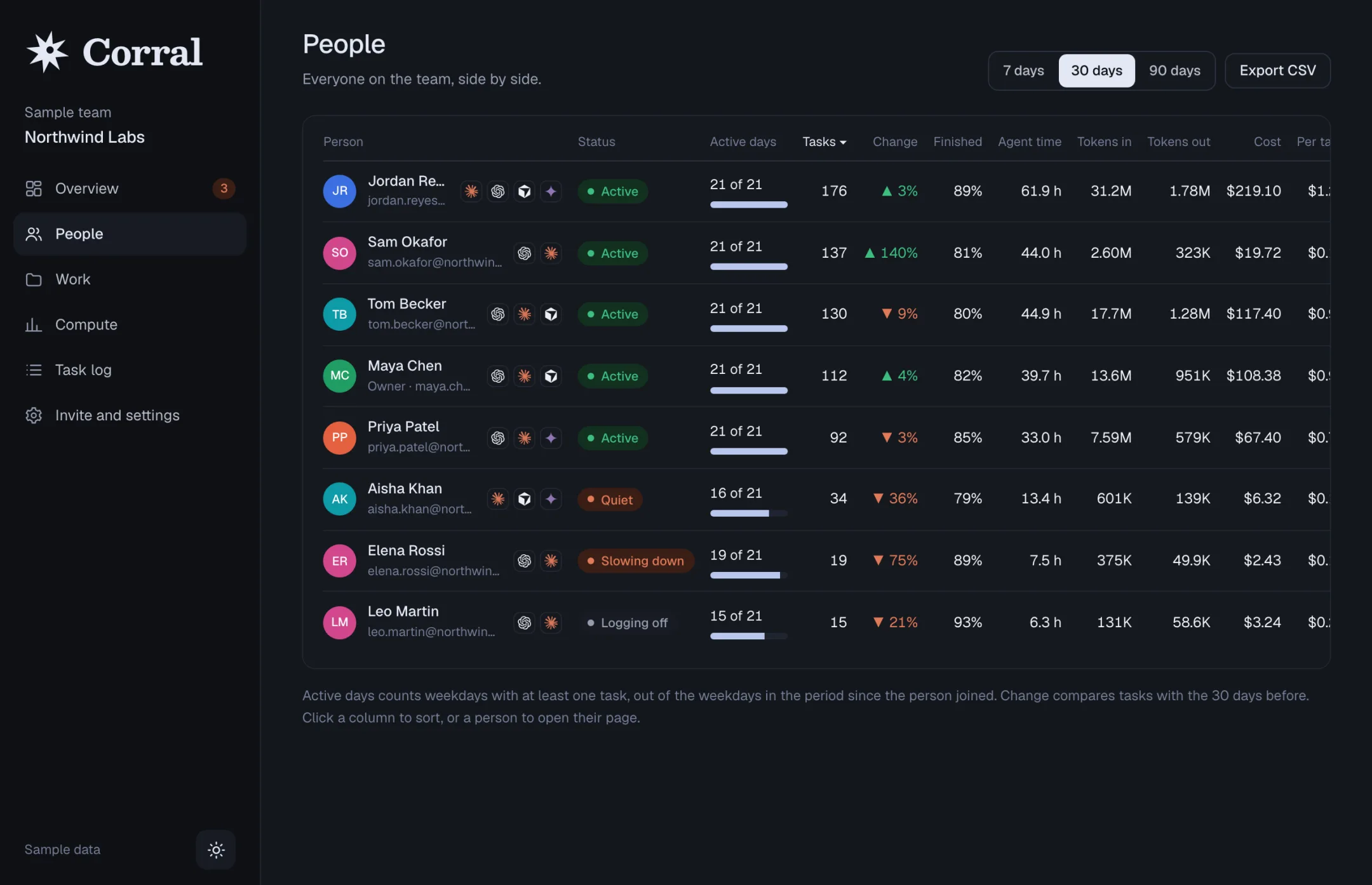
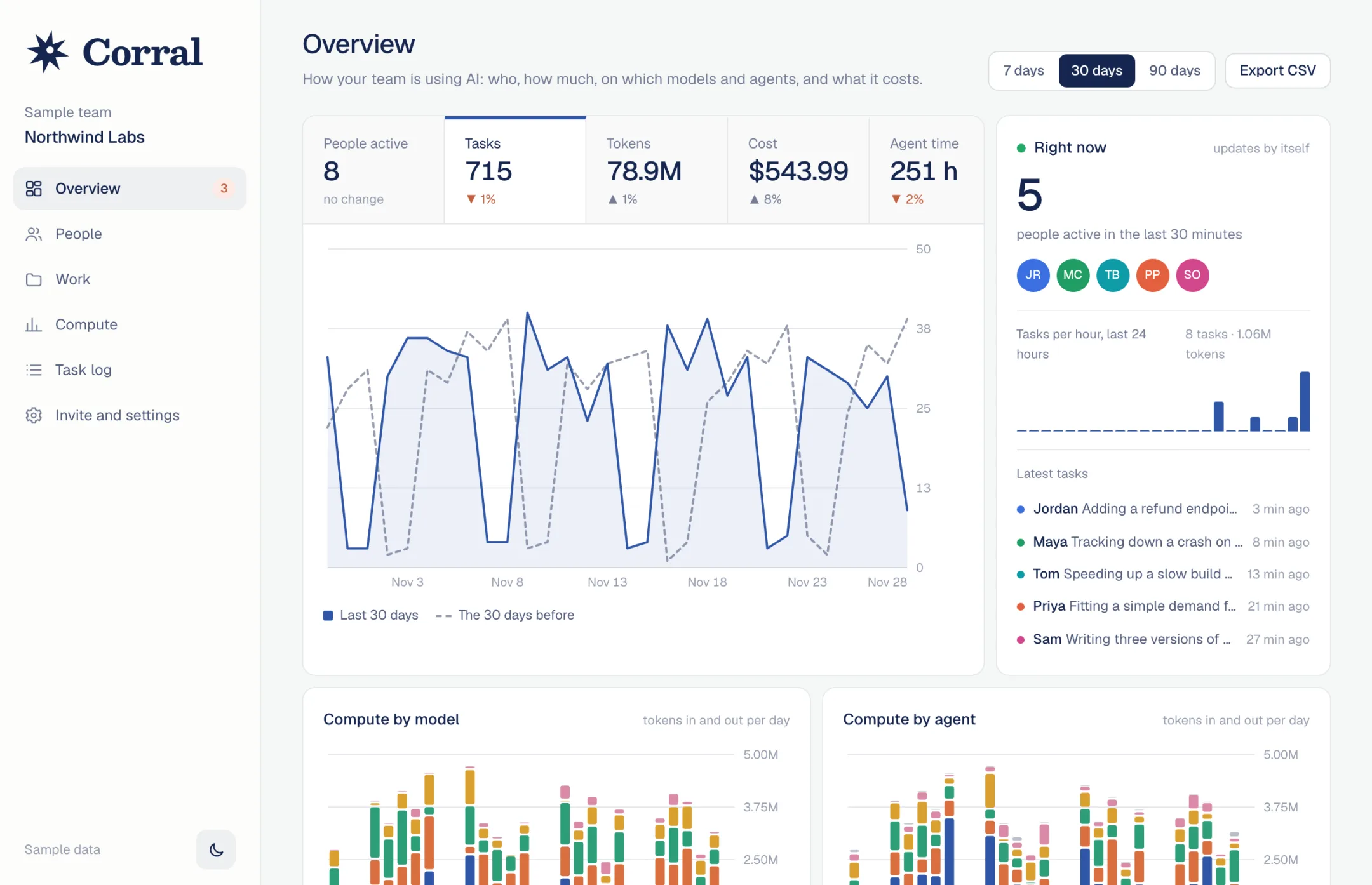
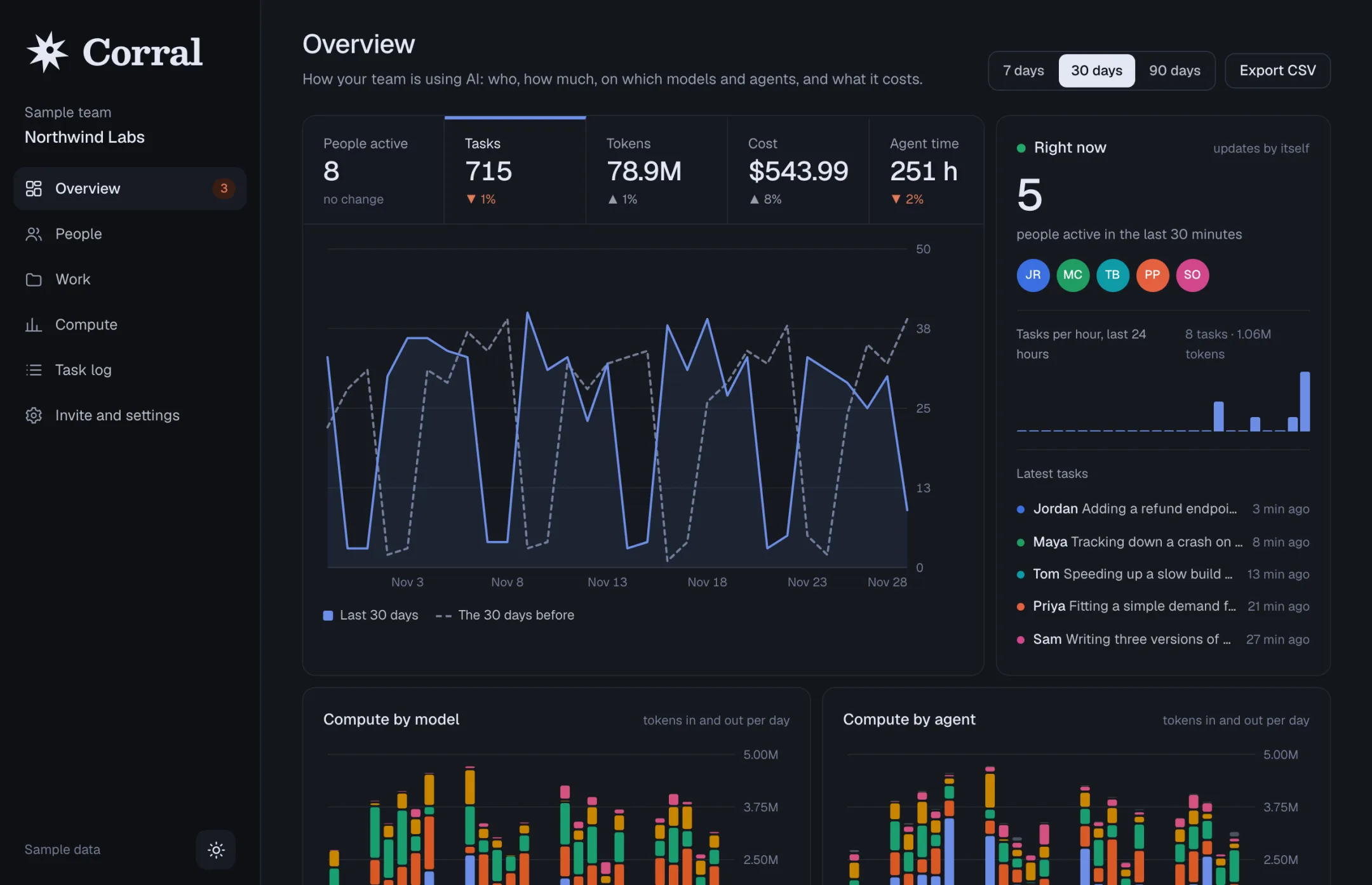
AI adoption, person by person. Everyone on the team side by side: who is active, who has gone quiet, and how the people getting the most from AI really use it.
Works with Claude Code, Claude, ChatGPT, Cursor, VS Code, Codex, Gemini CLI and any app that supports MCP.
Know who needs a hand before they ask.
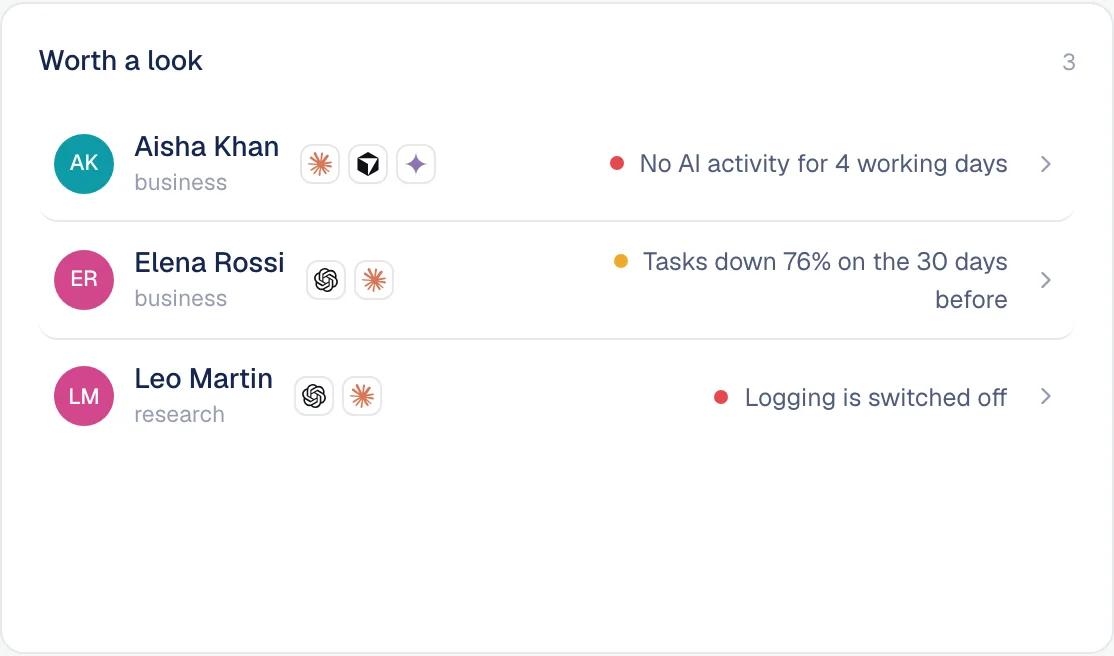
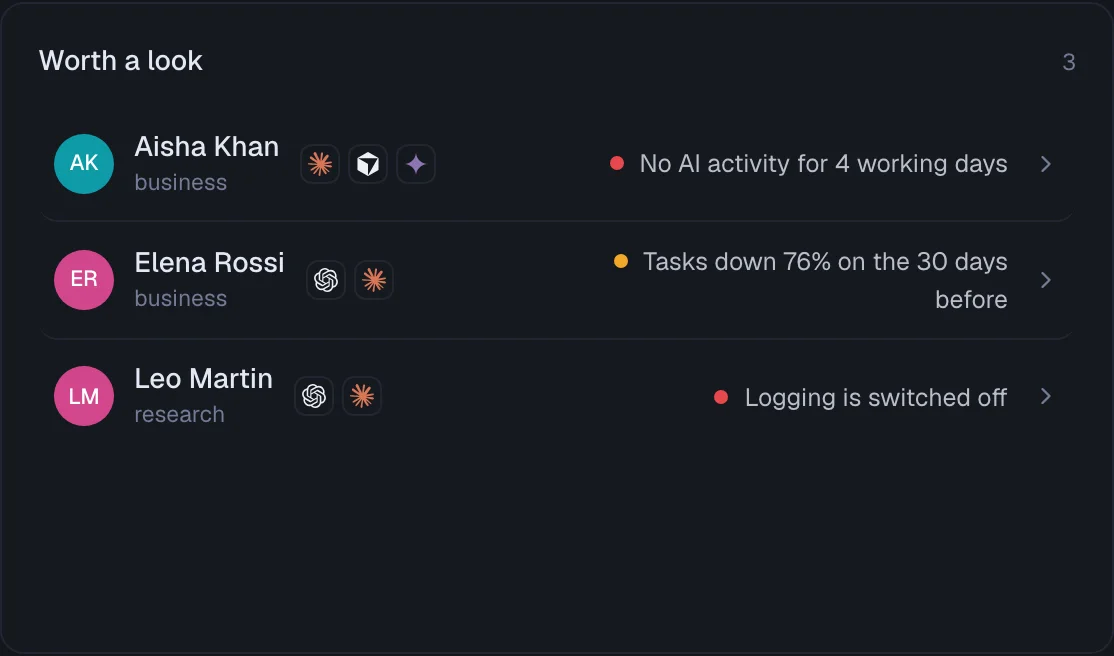
The Overview keeps a short list of people worth a conversation, with the reason beside each name:
- No AI activity for 3 or more working days.
- Tasks down by half or more on the period before.
- Fewer than 60% of tasks finished.
- Cost per task more than four times the team's usual.
- Logging or sharing switched off.
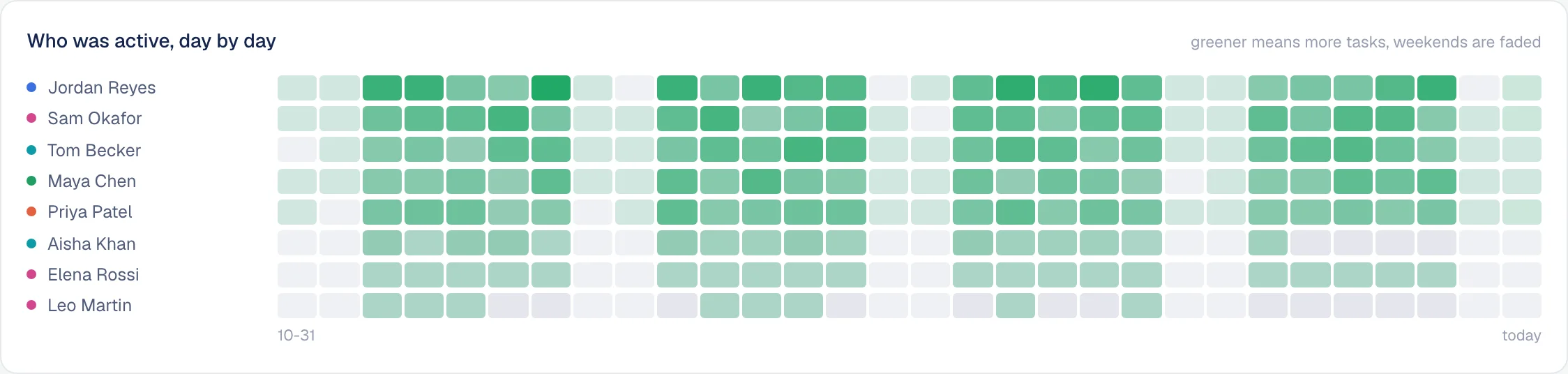
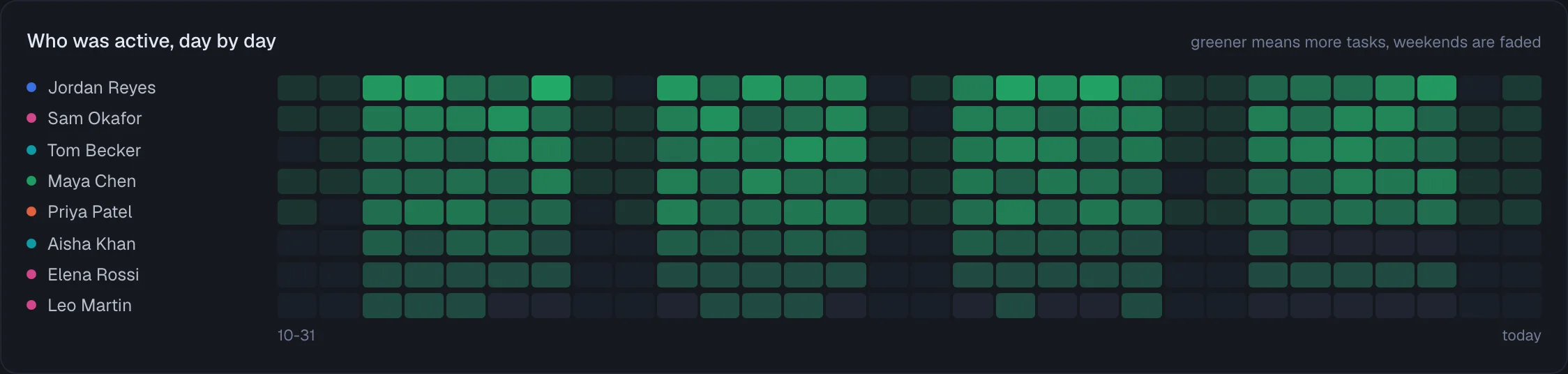
Who was active, day by day.
One grid for the whole team. Greener means more tasks. Gaps are easy to spot, and so are the people who never miss a day.
Learn from the people who use AI best.
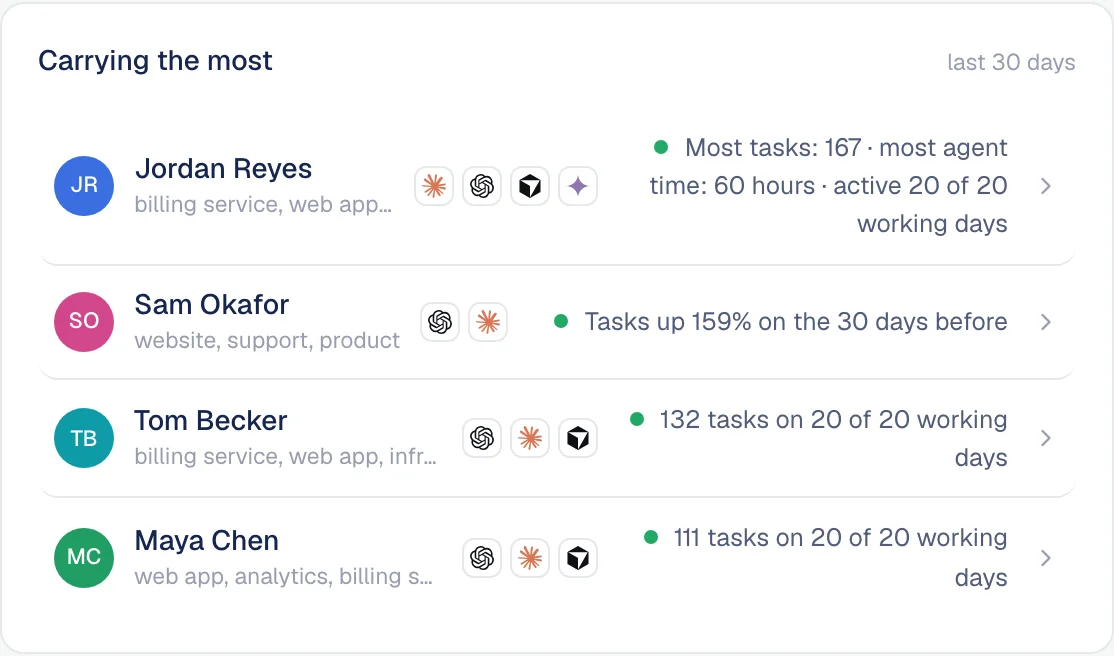
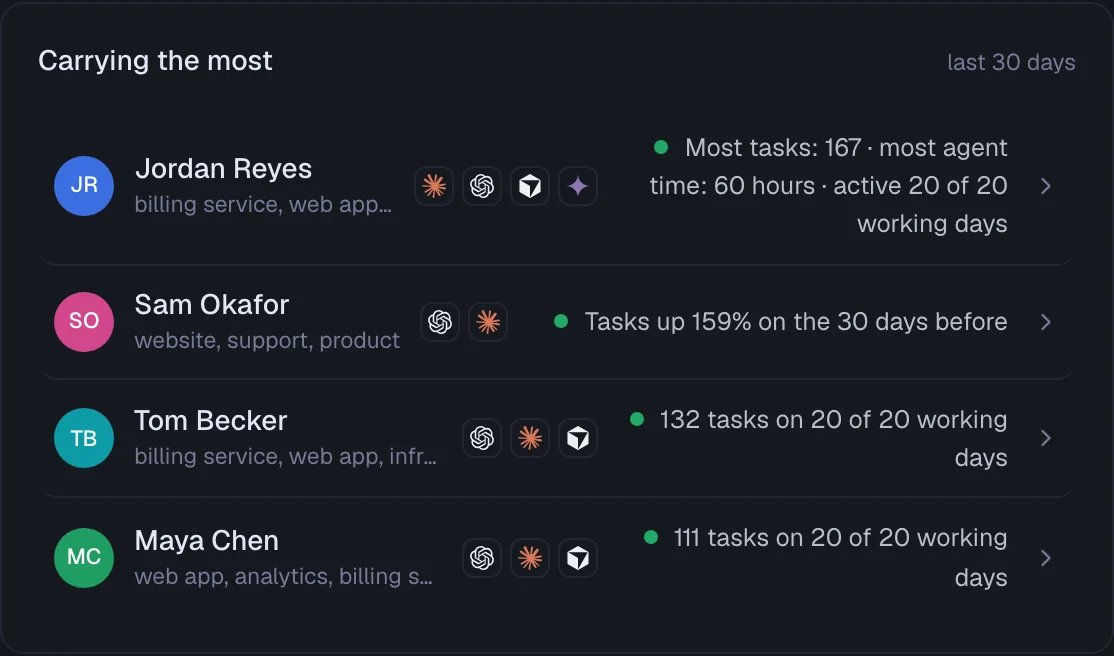
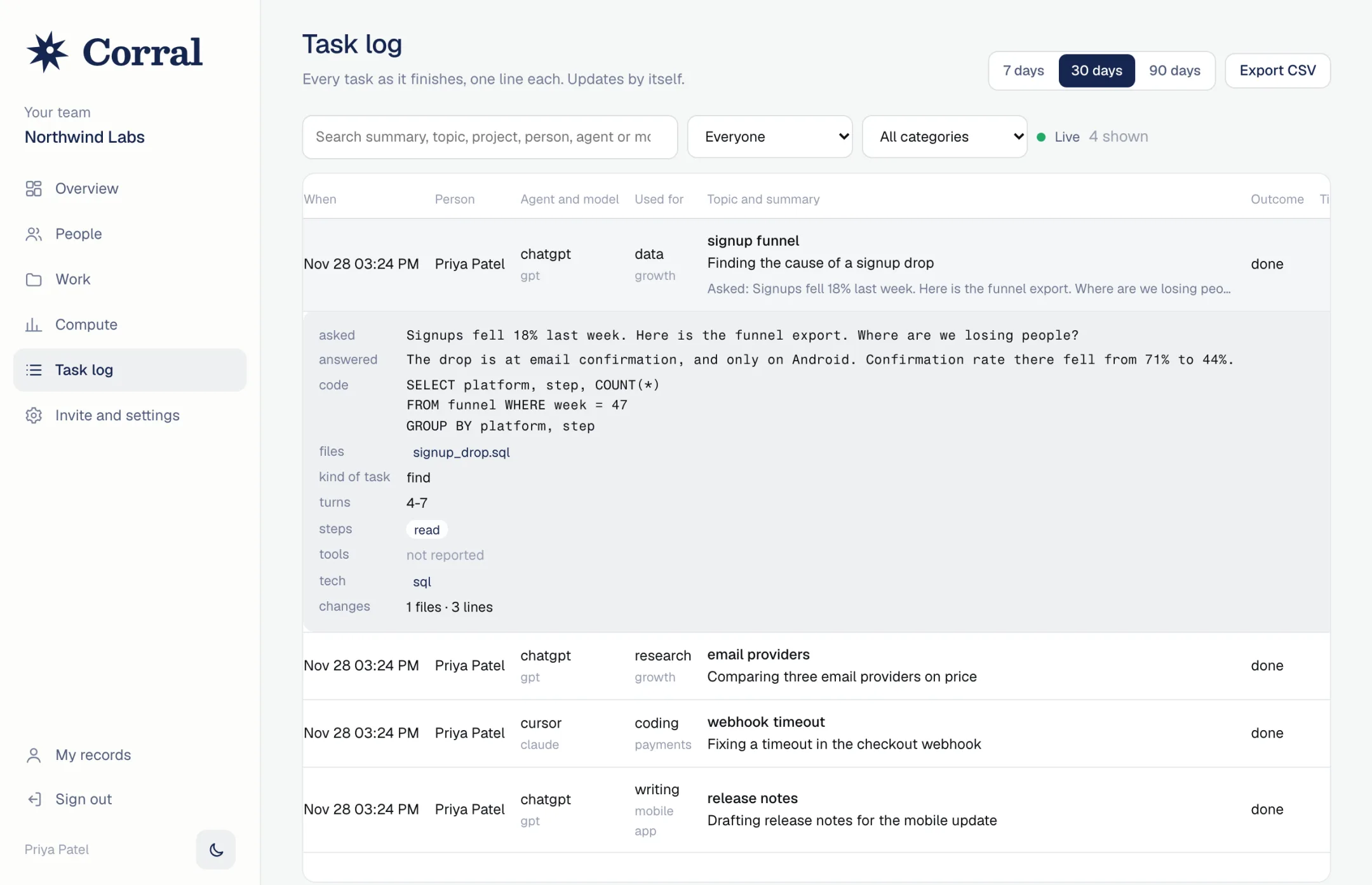
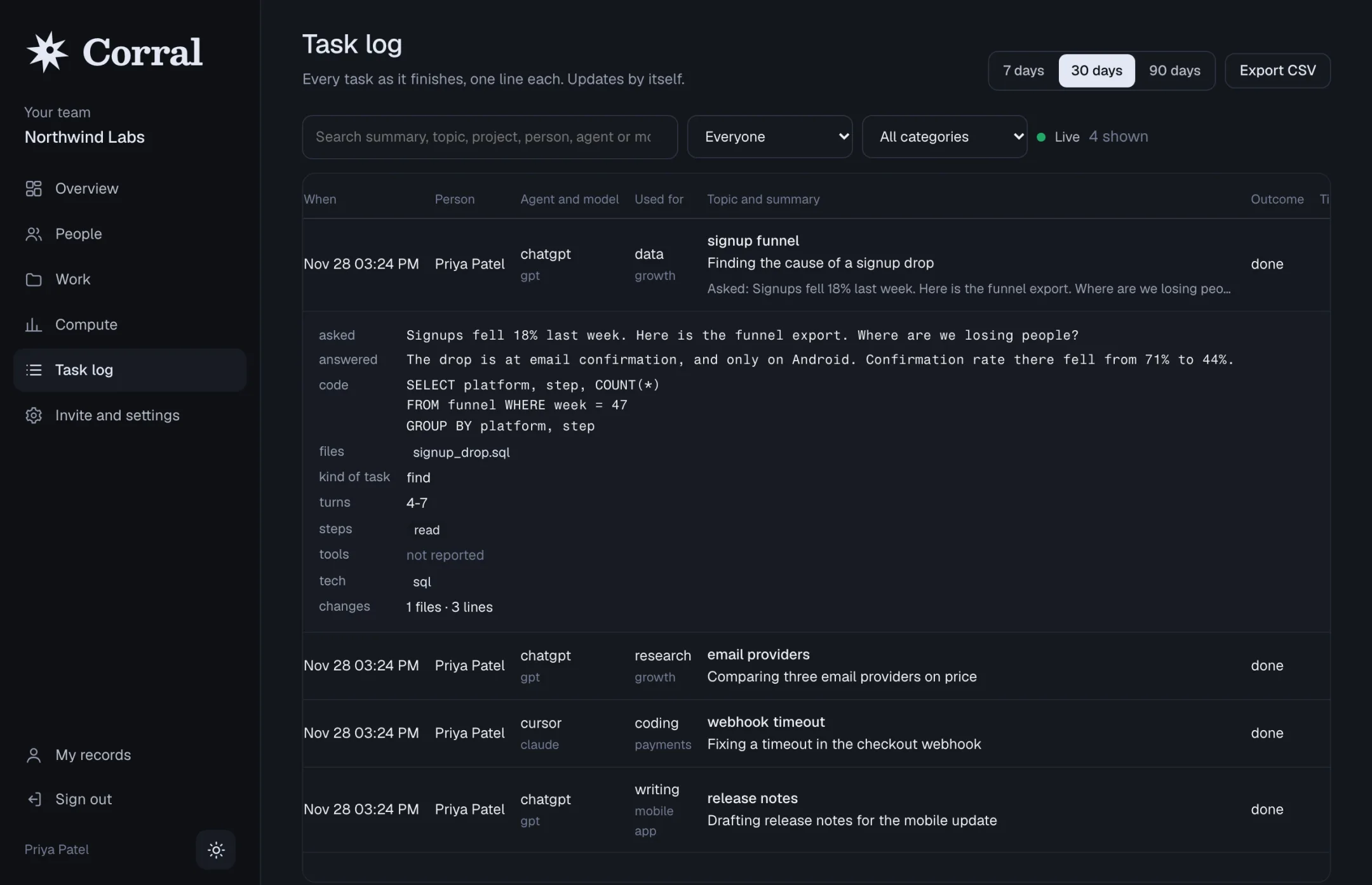
The Overview shows who is carrying the most. Open any person to see their tasks over time, when they work with AI, their models and agents, their projects and topics, and every task they ran. Read the requests they write, see which agent they reach for, and share what works with the rest of the team.
Coaching, not scoring.
A status for every person.
Click any column on the People page to sort by it.
| Status | What it means |
|---|---|
| Active | Using AI as usual. |
| Quiet | No AI activity for 3 or more working days. |
| Slowing down | Tasks down by half or more on the period before. |
| Logging off | The person has switched logging off. |
| Sharing off | The person has stopped sharing with the team. |
| Not connected | They joined the team and have not added the MCP server yet. |
Good to know.
Last updated
How do I measure AI adoption on my team?
Corral shows, for each person, active days, tasks, the share finished, agent time, tokens and cost, with the change on the period before. Pick 7, 30 or 90 days.
How do I see who is not using AI?
People with no AI activity for 3 or more working days are marked Quiet, and people who joined without connecting an AI app are marked Not connected. Both appear in the Worth a look list.
Is this a productivity score?
No. There is no score. Corral shows what was done with connected AI apps and leaves the judgement to you.
Can each person see their own numbers?
Yes. Every person has their own dashboard, and everyone on the team sees the team pages.
Which AI apps does it cover?
Claude Code, Claude, ChatGPT, Cursor, VS Code with GitHub Copilot, Codex and Gemini CLI, plus any other app that connects to a remote MCP server.
How much does it cost?
Free for one person. Pro is $30 a month with 2 people included, then $10 a month for each additional person. See pricing.
See how your team really uses AI.
Free for one person. $30 a month for a team of two, then $10 for each additional person.